riderinstinct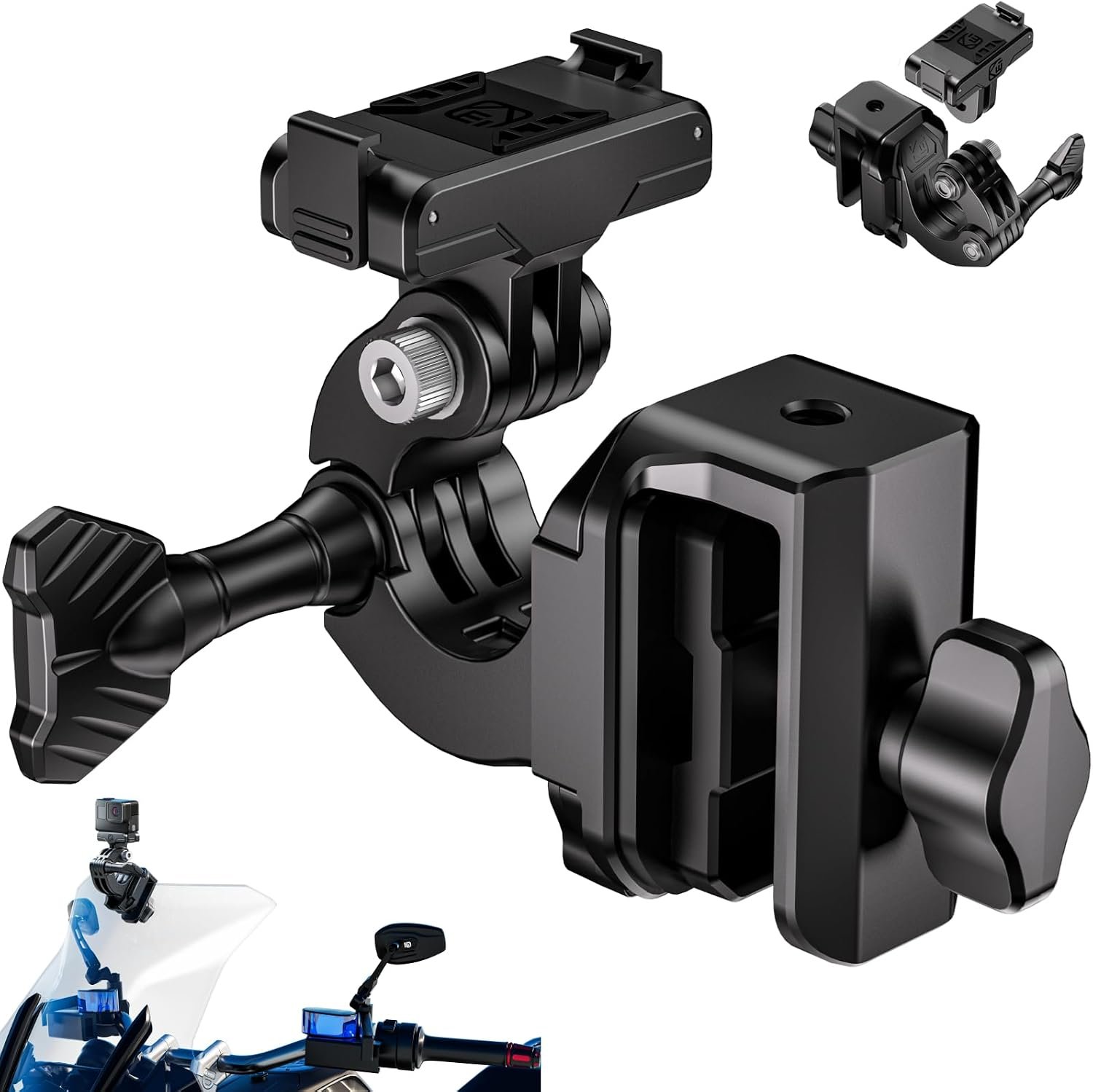
Why riders fit dash cams — clarity on the trade-offs
Dash cameras are useful tools for motorcyclists for three common reasons: to capture crash or near-miss evidence; to provide 24/7 parking monitoring and theft evidence; and to record rides for memories or content. Understanding which of these priorities is primary will shape the features you need.
If your priority is legal or insurance evidence, image detail and trustworthy timestamps matter: higher resolution, good low-light performance and GPS timestamps help. If parking protection is the priority, you’ll need dependable parking modes and voltage protection so the camera won’t flatten your battery. If you simply want scenic ride footage, you can accept simpler, smaller systems.
There are trade-offs. Higher-resolution cameras (2K, 4K) produce larger files, which increases storage and may require higher bitrate hardware. More electronics and processing mean more heat and power draw. Robust parking and battery protections often require hardwiring into the bike’s electrical system rather than using built-in batteries or a USB plug. Mounting choice affects image angle and theft risk. Decide your primary goal first, then use the remaining sections to balance features, cost and fit.
Core features that actually matter (and what they do)
Not all dash-cam features are equally important. Here are the ones that actually change outcomes in a crash or night recording:
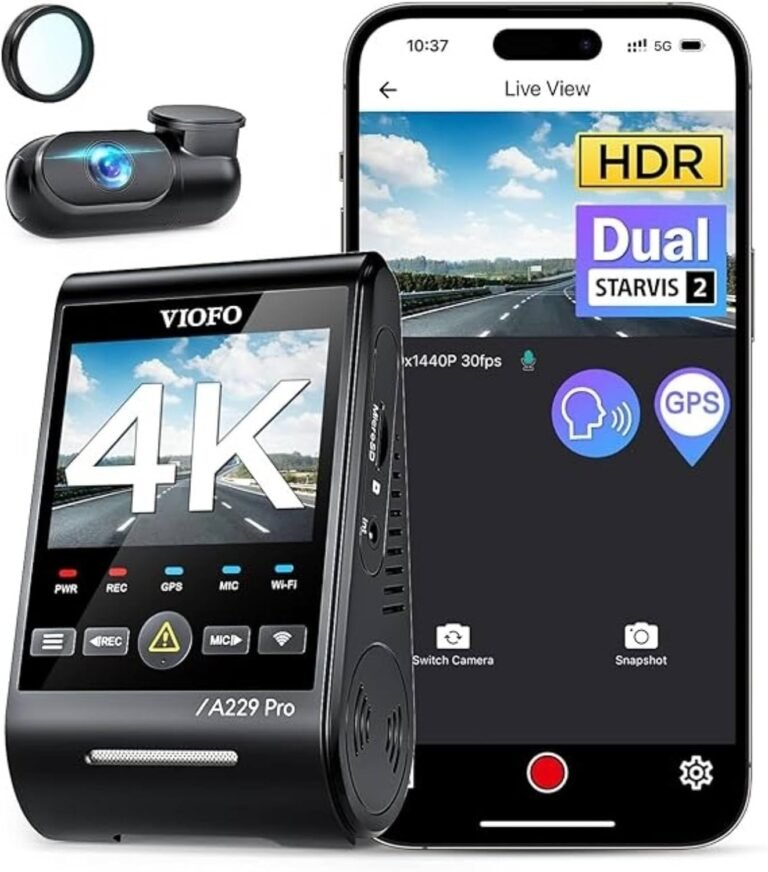
- Sensor and low‑light performance: A good sensor and HDR processing can make license plates and faces readable in dusk or headlight glare. Magellan’s 2.5K kit specifically highlights Sony STARVIS 2 sensors and HDR for better night clarity.
- Resolution & frame rate: Higher resolution helps with distant detail but isn’t a cure-all without a good sensor. Where a product lists 2K/2.5K or 4K, expect more detail but also larger files.
- Field of view (FOV): Wider FOV captures more surroundings but can reduce fine detail at distance. For incident evidence, many riders prefer a balance—wide enough to see vehicles involved but not so wide that plates become unreadable.
- Waterproof / temperature rating: Motorcycles are exposed to weather. IP67 or better is desirable for cameras and external lenses; check operating temperature ranges for extremes.
- Parking mode & G‑sensor: A G‑sensor automatically locks footage when a collision or impact is detected. Parking mode (motion detection, time-lapse or collision-trigger) requires either a hardwired feed or a dedicated powered solution.
- Power method: Plug-in USB solutions are quick but often can’t support parking mode. Hardwire kits and 12–24V-to-5V step-down converters enable continuous or ignition-switched operation; Magellan and Realdio note parking features tied to hardwiring or voltage protection.
- GPS & Wi‑Fi: GPS provides route, speed and timestamp data which strengthens evidence. Wi‑Fi or an app simplifies reviewing and downloading clips; Magellan advertises Wi‑Fi and app access.
- Storage & loop recording: Continuous recording requires loop overwrite. Buy high-endurance SD cards and confirm supported capacity (some systems support up to 256GB; INNOVV K6 notes support up to 256GB).
Common mount types, placement and the theft-versus-convenience trade-off
Where you mount a dash cam affects its view, stability and theft risk.
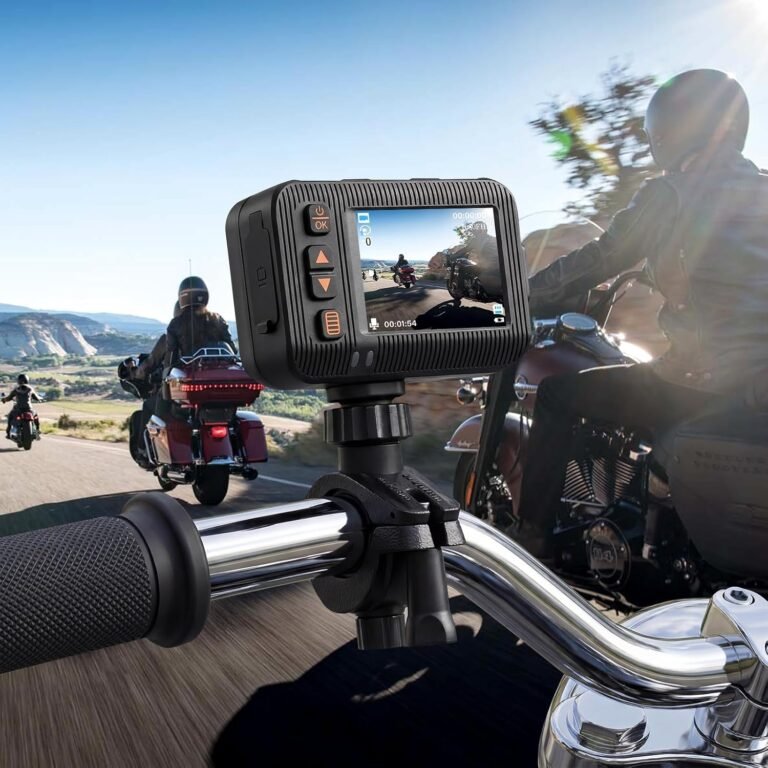
- Handlebar mounts are common and keep wiring short. They can be compact but may vibrate more on rough roads.
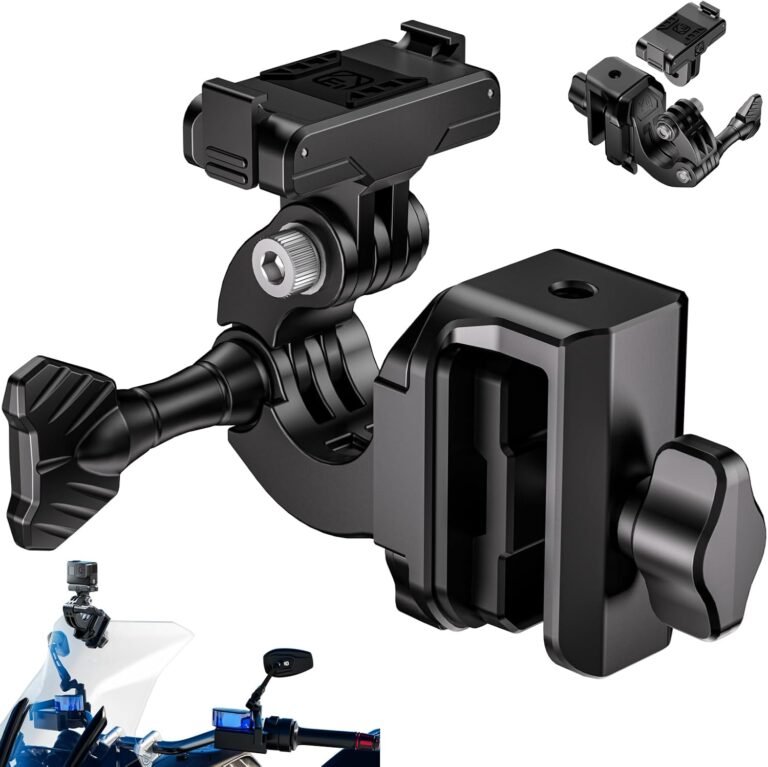
- Windshield or fairing mounts offer a more stable, higher viewpoint. The Kewig windshield clamp product is an example of a quick-release magnetic and aluminium alloy clip base intended for action cameras; it’s useful if you want a detachable setup but verify clamp thickness and locking mechanism for your fairing.
- Fork/headlight mounts and under-seat DVRs are popular for discreet setups: external lenses on forks or under bodywork with a small DVR tucked away reduce theft risk but require more planning and wiring.
Quick-release and magnetic mounts are convenient for theft prevention (you can remove the camera) and portability, but they may be less secure on rough roads unless the latch and clamp are robust. For sustained parking surveillance, a discreet, hardwired, and weatherproof installation is generally more reliable.
Fit and electrical compatibility — what to verify before buying
Motorcycle electrical systems vary. Before you buy, check these items against the product listing or the manufacturer:
- Does the dash cam require a 12–24V hardwire with a 5V regulator or accept direct USB? Many motorcycle kits (for example, several of the units in our product set) include a step-down cable for 12–24V to 5V—but confirm the actual wiring method.
- Is a hardwire/ACC cable required for parking mode? Realdio and other dual-camera kits mention parking mode with a hardwire kit. If you need 24/7 parking monitoring, plan to hardwire or add a dedicated power module with low-voltage cutoff.
- Will the camera’s mount physically fit your handlebars, fairing or windshield? The Kewig windshield clamp lists a maximum clamping thickness—verify the clamp’s compatibility with your motorcycle’s parts.
- Are cable lengths long enough to reach the desired camera and the power source without tight splices? Sellers don’t always list cable lengths—ask or measure.
- Can your bike share a charging circuit without tripping fuses, or will you need an inline fuse or battery-protection module? If the product description does not supply required amperage or power draw, verify with the manufacturer or a professional installer.
If any of these details are not listed in the product facts, contact the seller or install pro before purchase. When in doubt, plan for a professional hardwire install—it’s safer and protects your bike’s electrical system.
Safety, privacy and legal considerations
Before fitting a camera, confirm local laws about recording audio and public video surveillance—rules differ by country and state. Also consider privacy: position cameras to avoid intrusive views into private property, and be mindful about sharing footage that includes bystanders.
Wiring safety matters. Poorly installed hardwires can drain batteries or create fire risk. Use inline fuses, voltage protection or the camera’s built-in power monitoring where provided. Magellan highlights integrated voltage control that can shut the unit off to protect the battery—this is beneficial where listed.
Finally, secure mounts and theft deterrents matter. Remove detachable cameras when leaving the bike unattended or use discreet installations that make the system less obvious.
Installation basics and ongoing maintenance
Whether you install yourself or use a shop, follow these practical steps:
- Test-fit mounting position and angle before finalising wiring—ensure you can see the horizon in frame for stable perspective and that the lens clear of fairing shadows.
- Use weatherproof connectors and route cables through existing grommets or along the frame using zip ties. Avoid sharp bends or heat sources.
- When hardwiring, fit a correct-rated inline fuse on the power lead and consider an ignition-switched ACC feed if you want recording only when the bike is on.
- Format new SD cards in the camera before use. Use high-endurance cards rated for continuous recording. Confirm maximum supported card size in the product listing (INNOVV K6 notes support up to 256GB; some models include a 64GB card).
- Regularly test emergency footage locking, and download important clips to a second device—don’t rely on a single SD card to be the only copy.
Routine maintenance includes keeping lens surfaces clean, checking for loose mounts and updating firmware when manufacturers issue updates for reliability or bug fixes.
Products to consider — who each suits (examples from our product set)
Below are practical choices from product facts in our pool. These are examples that demonstrate feature trade-offs and rider fit; verify installation details and cable lengths with the seller.
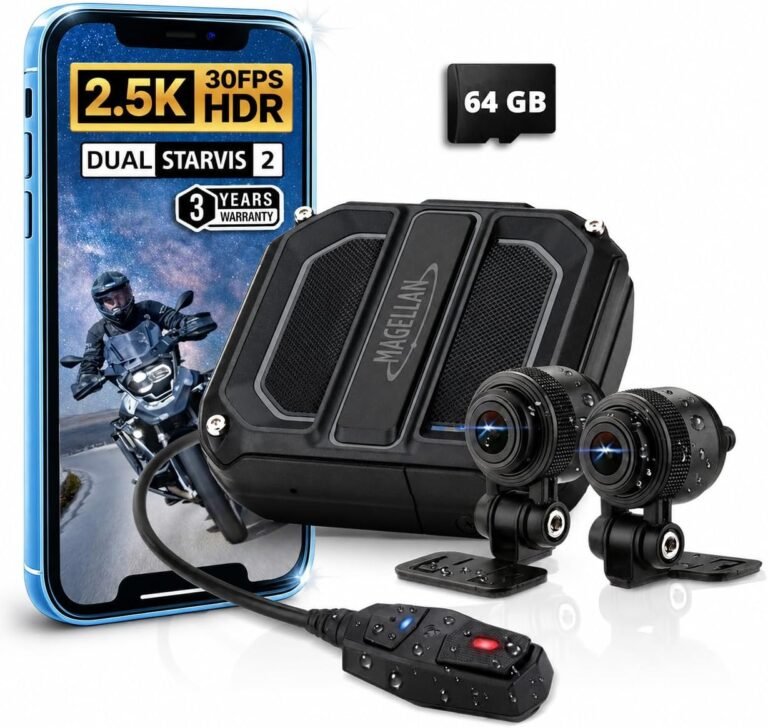
- Magellan 2.5K+2.5K Motorcycle Dash Camera (1961)
Why it fits: Emphasises night visibility with Sony STARVIS 2 sensors, HDR, IP67 waterproofing, built-in 5‑satellite GPS, Wi‑Fi app access, parking modes and included 64GB card and mounting hardware.
Best for: Riders who prioritize low-light evidence and want an all-in-one, weatherproof kit with GPS logging and parking protection.
Limitations: Product facts lack explicit frame rate, FOV and wiring/hardwire kit details—verify those before purchase. - INNOVV K6 Dual Channel (2870)
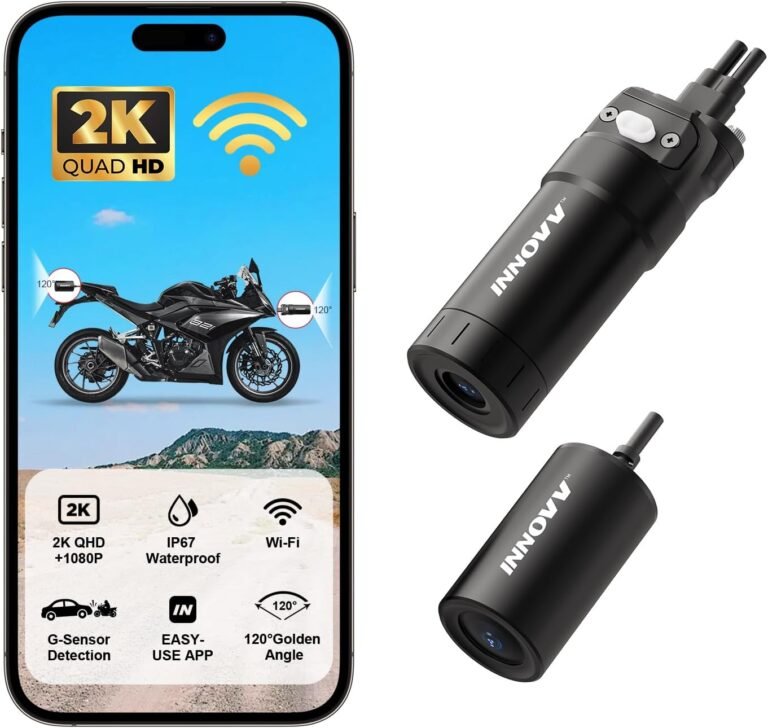
Why it fits: Mini DVR integrated into compact front camera, 2K front + 1080p rear, full aluminium body for heat dissipation, IP67 waterproofing, and built-in Wi‑Fi with app control. Supports up to 256GB.
Best for: Riders who want a compact professional-style installation with strong thermal design and smartphone management.
Limitations: Front camera may run warm in operation (noted in facts); confirm cable lengths and mounting footprint for neat installation. - Realdio Dual Front & Rear (1696)
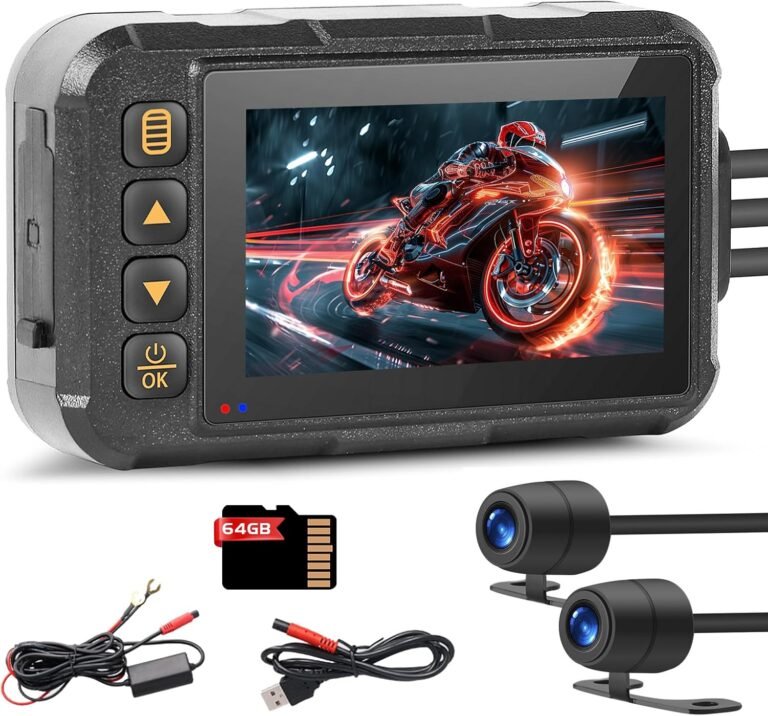
Why it fits: Value-oriented package with IP67 protection, 720P recording, split-screen 3″ preview, 64GB card and a hardwire kit for 24/7 parking mode.
Best for: Budget-minded commuters who want front/rear coverage and parking surveillance without high resolution.
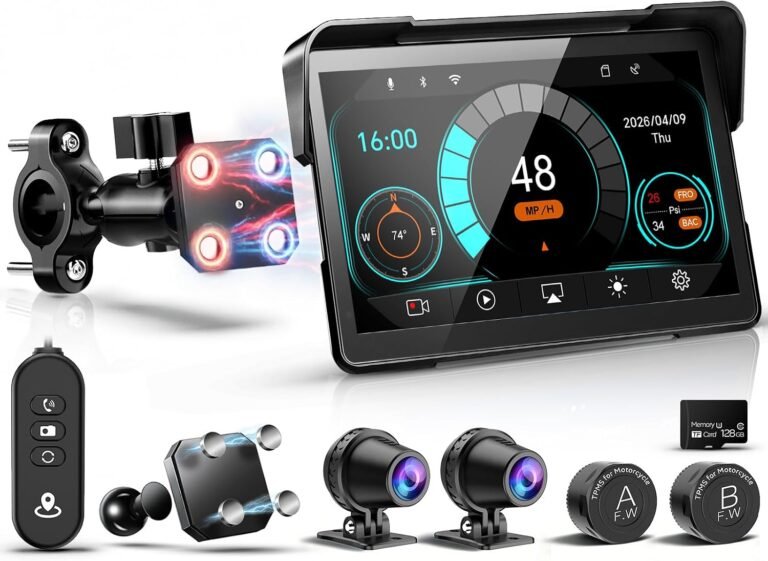
Limitations: 720P resolution limits distant detail—accept the trade-off for lower cost. - LBW 7″ Wireless GPS CarPlay with Dual 2K Cameras (3145)
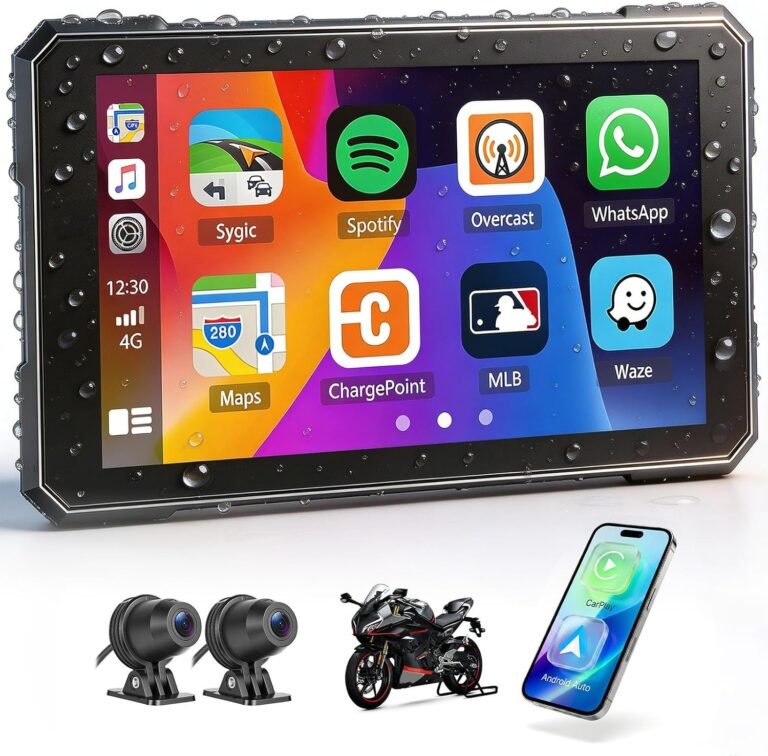
Why it fits: Larger 7″ waterproof touchscreen with wireless CarPlay/Android Auto-style features, dual 2K cameras and included 128GB SD. Magnetic quick-release bracket for convenience.
Best for: Touring riders who want integrated navigation/dashboard plus dash cams and a visible touchscreen.
Limitations: Larger fit may not suit all motorcycle dashboards; verify physical mount compatibility and anti-theft strategy (unit is designed to be removable). - Affordable dual HD units (2610, 3463)
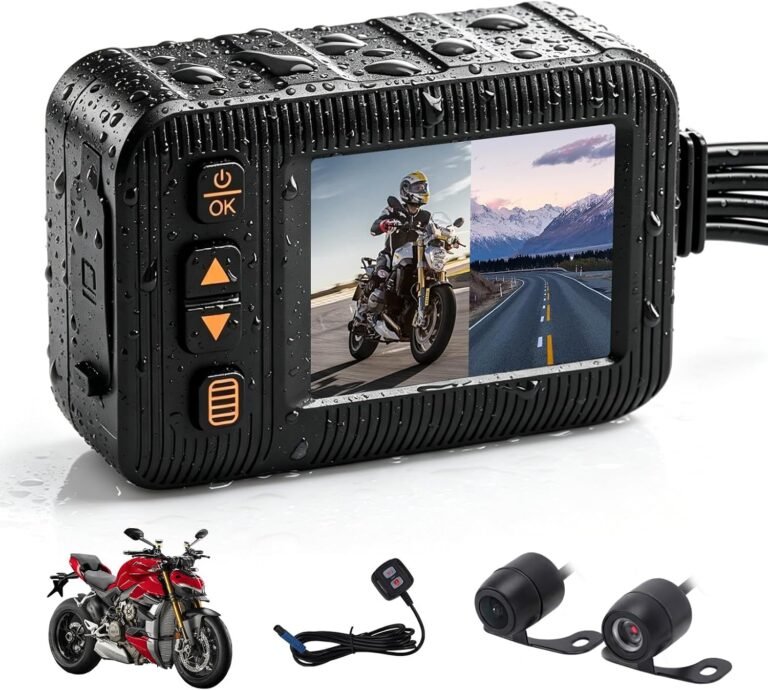
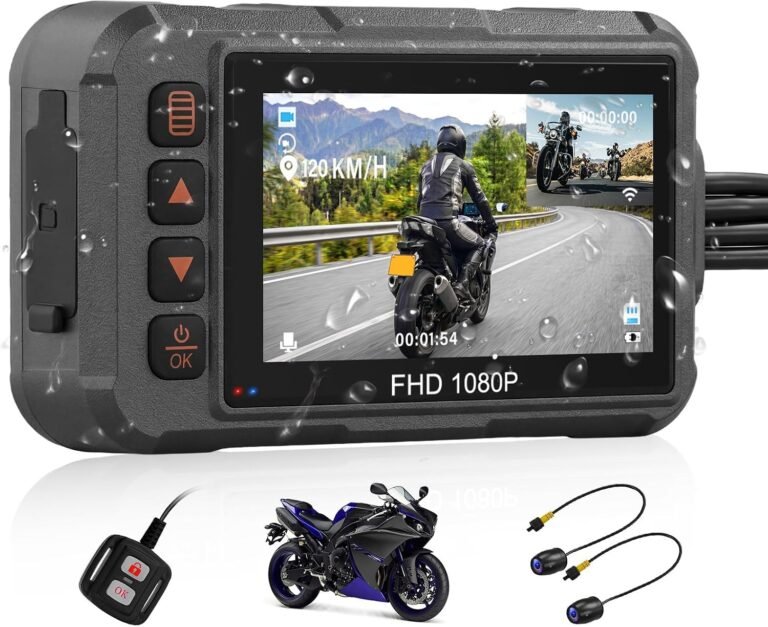
Why they fit: These dual-lens kits list IP67 weatherproofing, HDR, loop recording and wired remotes—suitable for riders seeking basic front/rear coverage at lower price points.
Best for: Riders who need simple evidence recording and all-weather reliability on a budget.
Limitations: Double-check stated resolutions, field of view and whether parking mode requires additional purchase (some note ACC cable sold separately). - Kewig Windshield Camera Mount (3910)
What it is: An aluminium alloy windshield clamp with magnetic quick-release and tripod adapter for action cameras like DJI Osmo/Action models (check compatibility list).
Best for: Riders using action cameras who want a removable windshield clamp mount.
Limitations: Not all cameras are supported—verify camera compatibility and clamp thickness vs your windshield/fairing.
Use these examples to compare which features align with your priorities: resolution and sensor tech for nighttime clarity, IP/temperature rating for weather, parking/voltage management for 24/7 protection, and mounting/wiring for fit and theft risk.
Choosing for your riding style — practical pairings
Match the camera characteristics to typical rider needs:
- Daily commuter: Prioritise reliable parking mode, discreet mounting and IP‑rated weatherproofing. Realdio’s value package offers parking protection and weatherproofing if you can accept 720P.
- Touring / long-distance: Day‑and‑night reliability plus GPS logging is important. Magellan’s STARVIS 2 sensors, GPS and 3‑in‑1 parking make it a practical touring option—verify wiring and installation options for long stints parked overnight.
- Content‑oriented rider: If you’re recording scenic rides, higher resolution and an integrated screen or app offload are helpful. LBW’s 7″ system with included 128GB card is built for on‑bike dashboard-style use and larger-screen previewing.
- Adventure / offroad: Ruggedness, temperature tolerance and a compact, solid-mount system matter. INNOVV’s aluminium body and compact DVR front camera are a good fit, but confirm vibration mounting and cable protection for offroad use.
- Budget-focused: Look for IP protection and parking features even if resolution is lower. The more affordable dual kits (e.g., the 2610 or 3463 listings) provide core safety features at lower cost—know what you’re sacrificing in clarity.
Maintenance, data handling and common operational tips
To keep your dash cam useful as evidence and reduce failures:
- Use high‑endurance microSD cards and replace them periodically. Format the card in-camera before first use.
- Download important evidence to a second device and keep backups; don’t rely on a single removed SD card.
- Periodically verify the camera’s date/time and GPS logging—an incorrect timestamp undermines evidentiary value.
- Test G‑sensor locking and parking mode after installation so you know triggers work and files are protected.
- Keep firmware updated only from official manufacturer sources to avoid bricking the device.
Regular inspections of mounts, cable chafing and lens cleanliness prevent many common failures.