riderinstinct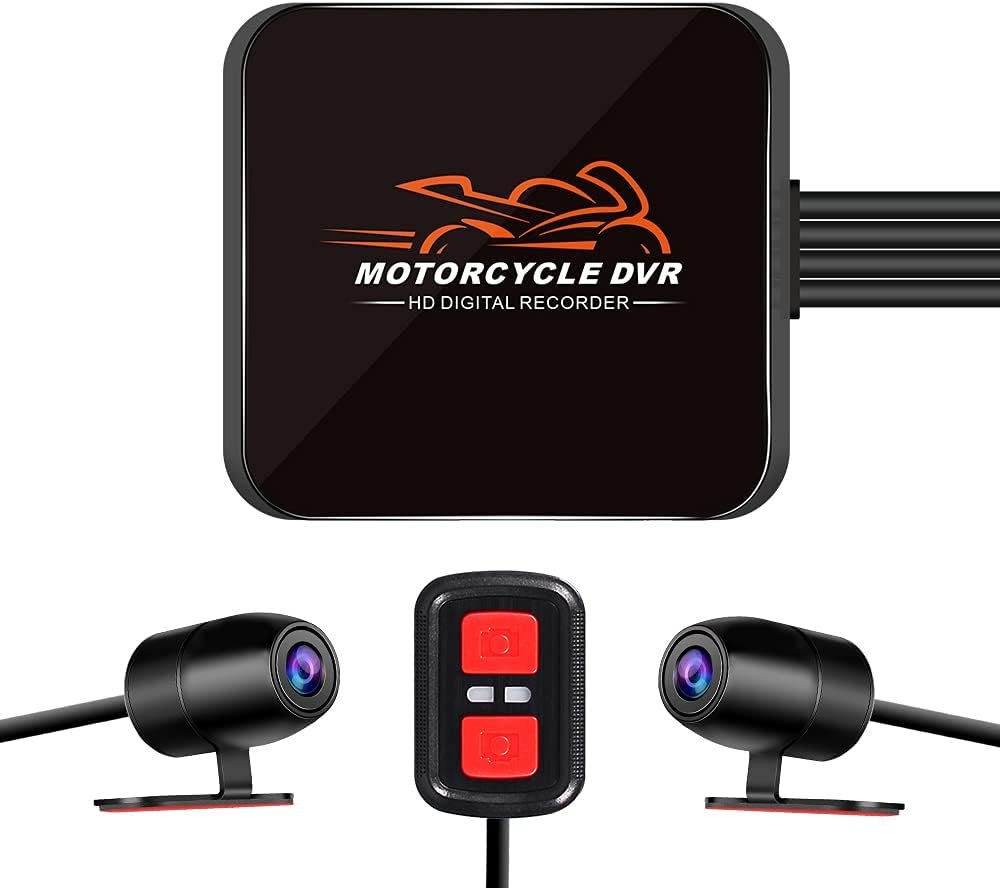
Why navigation choices matter on a motorcycle
Motorcycle navigation is more than turn‑by‑turn directions. Devices sit in difficult environments: vibration, rain, sunlight, dust and theft risk. The wrong choice can be distracting, fail in bad weather, or drain your phone battery mid‑ride. Choosing the right system means matching the hardware to how, where and how long you ride — and being honest about what you’ll actually use in traffic, at speed and off‑road.
Before evaluating brands or specs, write down your primary riding patterns: daily commute, short weekend loops, day touring, multi‑day touring, adventure/off‑road or riding in groups. That list will narrow your options and make trade‑offs clear.
Decision framework: pick by use case, not features
Use this simple decision tree to get started:
- Short urban commutes — phone with a rugged mount and quick wiring to a USB‑C outlet is usually sufficient.
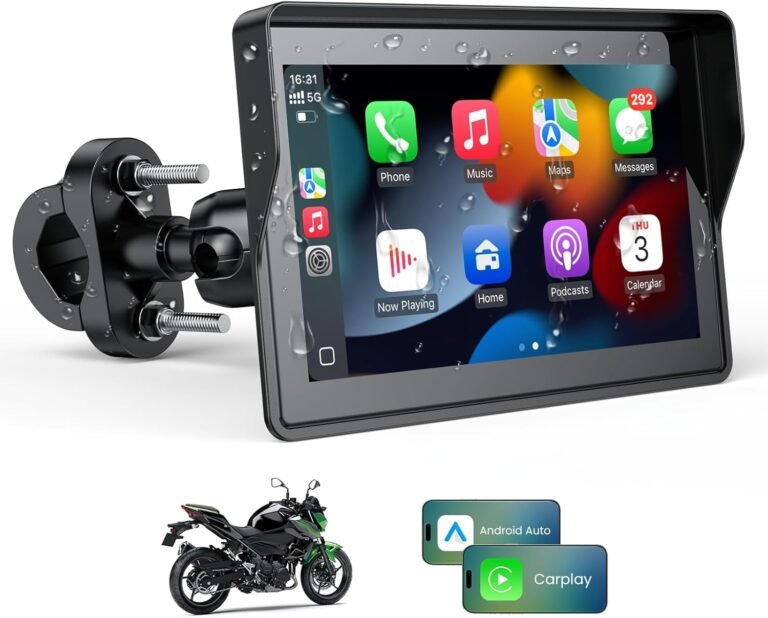
- Day trips and scenic touring — phone or CarPlay screen, ideally with glove‑friendly controls and stable power; CarPlay/Android Auto adds comfortable voice control and media integration.
- Multi‑day touring / adventure riding — dedicated motorcycle sat‑nav (rugged, long battery or easy hardwiring) that supports offline maps and motorcycle‑specific routing.
- Group rides / long remote routes — look for devices with group tracking or the ability to pair with satellite communicators (Garmin zūmo XT2 supports inReach pairing; check requirements).
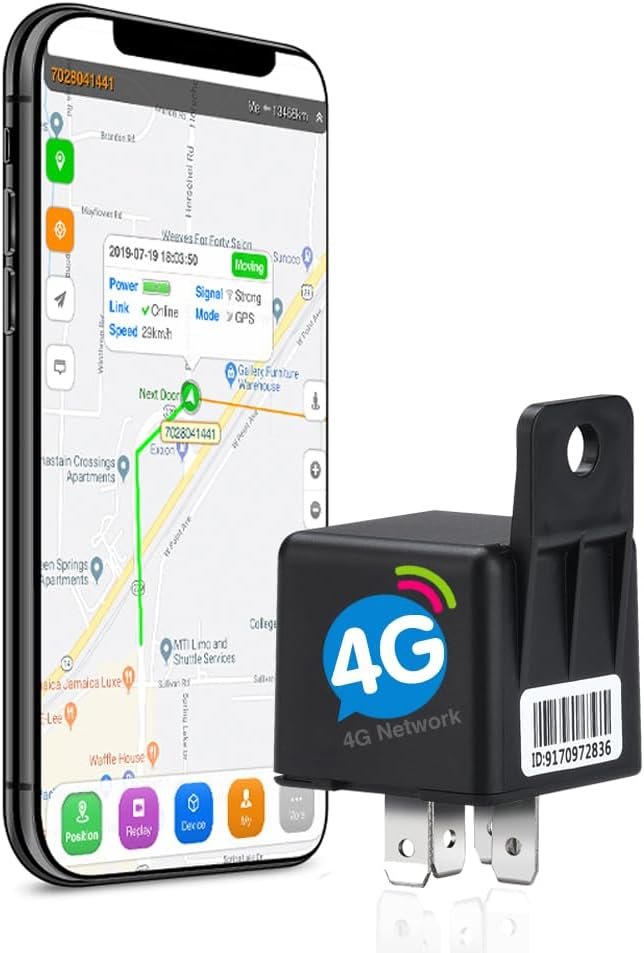
- Security & evidence — add a dash cam (records incidents) and/or a hidden GPS tracker for real‑time location and theft recovery.
Each path has trade‑offs: phones are flexible but less weatherproof; CarPlay screens are convenient but increase wiring complexity; dedicated GPS units cost more up front but offer durability and motorcycle‑centric features.
Core features that actually matter
When you compare models, focus on features that affect safety, reliability and practical use on two wheels:
- Mounting & fit — handlebar clamp, fork‑stem or BMW‑style plugs are common. Confirm the mount type fits your bike and leaves the view unobstructed.
- Power method — internal battery, USB recharge or hardwired to ACC. Hardwired units avoid mid‑ride shutdowns; rechargeable units need a known hour rating.
- Glove‑friendly controls — physical buttons, wired controllers or reliable voice control are safer than touch‑only screens while moving.
- Weather & vibration resistance — look for IP or IPX ratings and stated shockproof construction (e.g., Beeline Moto II lists IP67; Garmin zūmo XT2 lists IPX7). Confirm with manufacturer documentation if you need explicit IP certification.
- Maps and routing — offline map support, motorcycle‑specific routing (curves/altitude preferences) and update policy matter for touring riders.
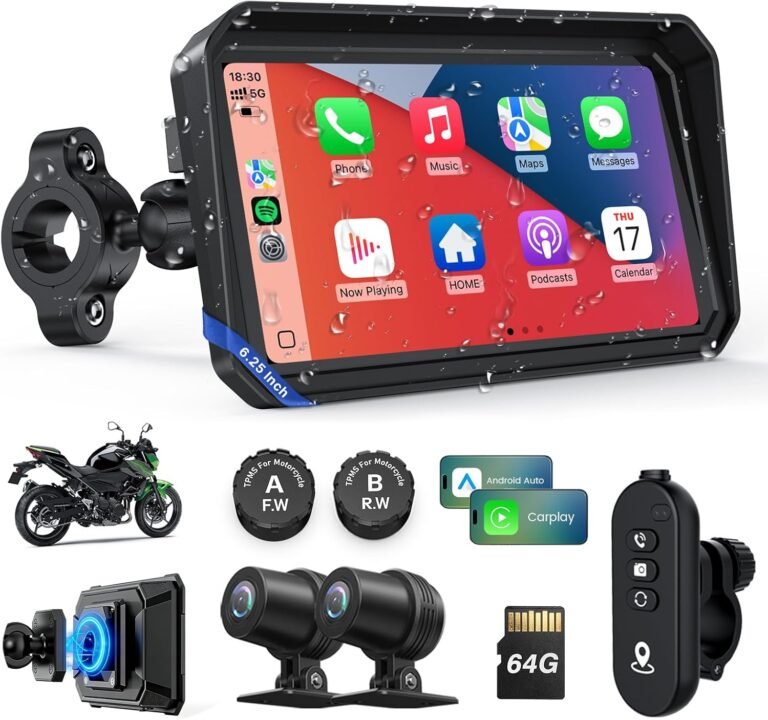
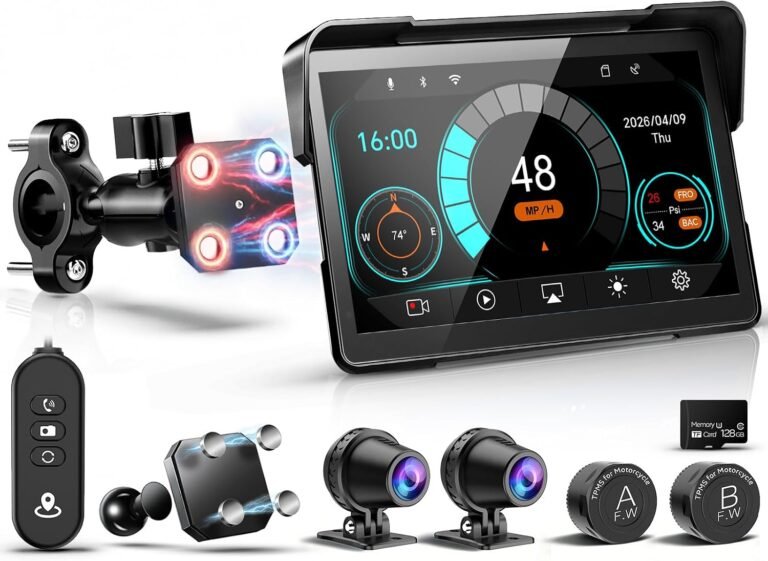
- Connectivity — Bluetooth for helmet audio, CarPlay/Android Auto for phone integration, Wi‑Fi for updates and OTA; some units offer TPMS or intercom features (e.g., some CarPlay screens include TPMS and intercom claims).
Compatibility and fit — what to verify before you buy
Fit and wiring are where most purchases go wrong. Don’t assume a one‑size‑fits‑all mount will work with your bars, triple clamp or accessory racks. Before you click buy:
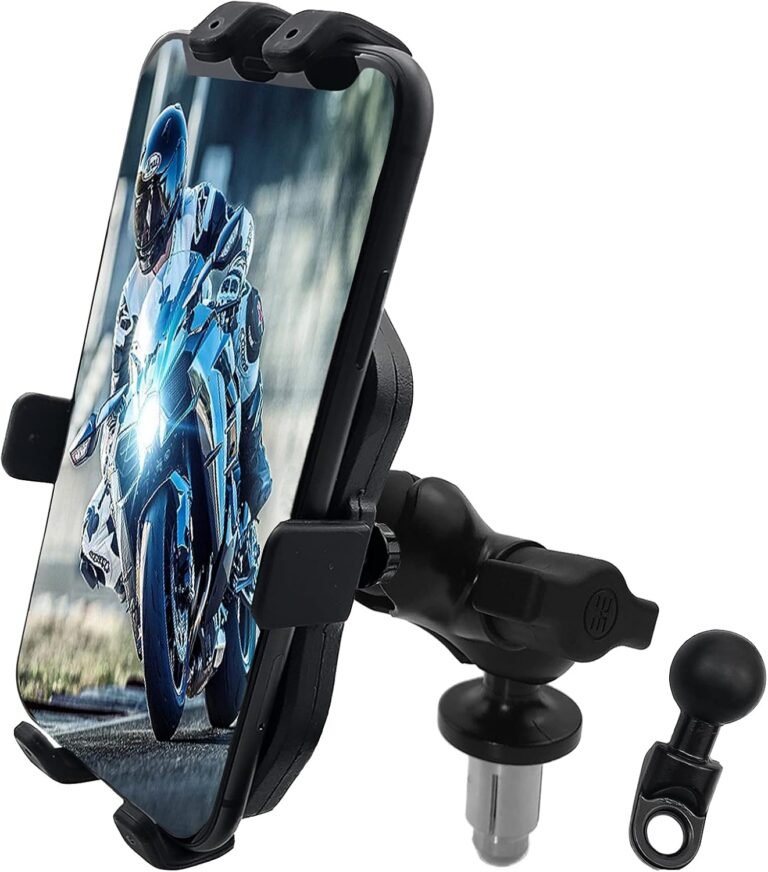
- Measure your handlebar clamp diameter and check the product’s bracket sizes. The fork‑stem mount in the supplied phone mount example (ID 2600) fits 14–20mm center stem holes or 10mm mirror holes — verify your bike’s hole size.
- Phone size limits: universal mounts often list compatibility (the phone mount here supports 4.7–6.3″ phones). Confirm the case you ride with fits.
- Power wiring: if a unit requires hardwiring to ACC or the battery, plan for a fuse tap or professional install. Many CarPlay/moto screens indicate ACC (red) and ground (black) wiring — verify exact wiring diagrams.
- Accessory compatibility: dedicated GPS units may require specific mounts or power cables—check whether those are included (the Garmin zūmo XT2 bundle includes a motorcycle mount and power cable; Beeline and some CarPlay units may require separate mounts or adapters).
Safety and legal considerations while using navigation
Navigation should reduce, not increase, risk. Follow these principles:
- Minimise interaction while moving — set routes before you roll, use voice prompts or a wired controller and only make adjustments when stopped.
- Placement — mount the screen where it’s easy to glance but not blocking your view. A low, central position is often best.
- Battery & charging safety — if you hardwire, ensure correct fusing and wiring to ACC to avoid draining the battery when parked.
- Local laws — some jurisdictions restrict screens or holders that obscure mirrors or instruments; check local rules before mounting large displays.
Practical trade‑offs: phone mount vs CarPlay screen vs dedicated GPS
Understand the core trade‑offs so you can prioritise features:
- Cost and flexibility — Phone + mount is lowest cost and easiest to upgrade. However, the phone is not purpose‑built for water and vibration unless you add a rugged case and waterproof bag.
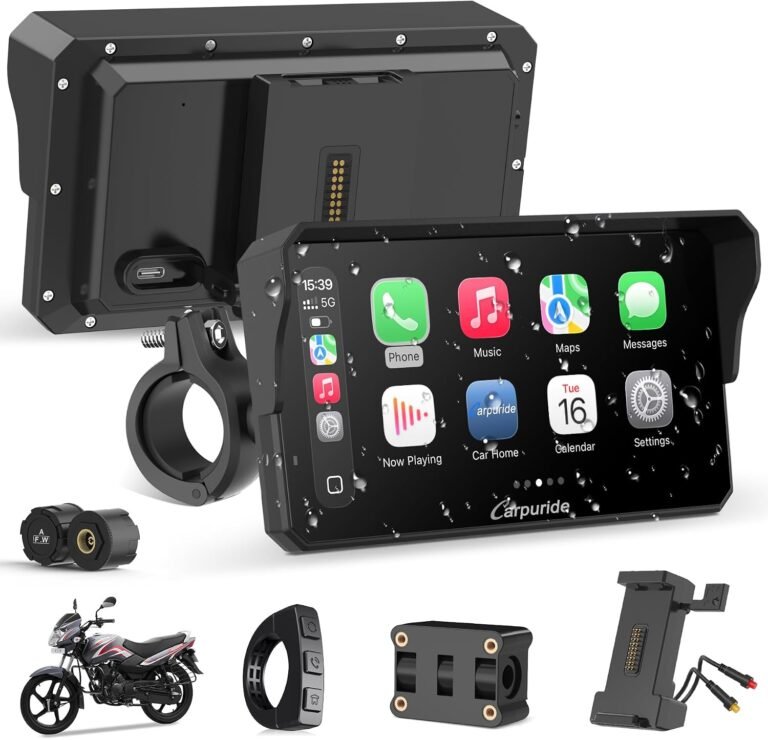
- Integration and convenience — CarPlay/Android Auto screens (5″–7″ models and 6.25″ examples in our product list) give excellent hands‑free voice navigation and media control. They often include vehicle features like TPMS or intercom on some models (e.g., the Carpuride 6.25″ claims TPMS and intercom). Expect more wiring and possible higher cost.
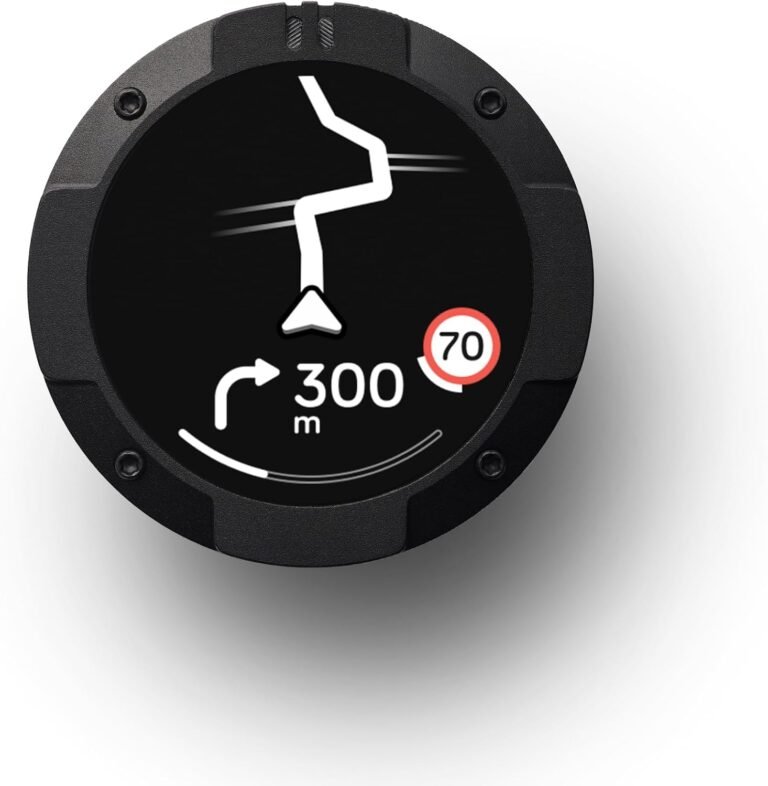
- Durability and advanced routing — Dedicated GPS units (Beeline Moto II, Garmin zūmo XT2) are built to handle weather and vibration, offer motorcycle‑specific routing and offline maps. They usually cost more but are lower maintenance on long trips.
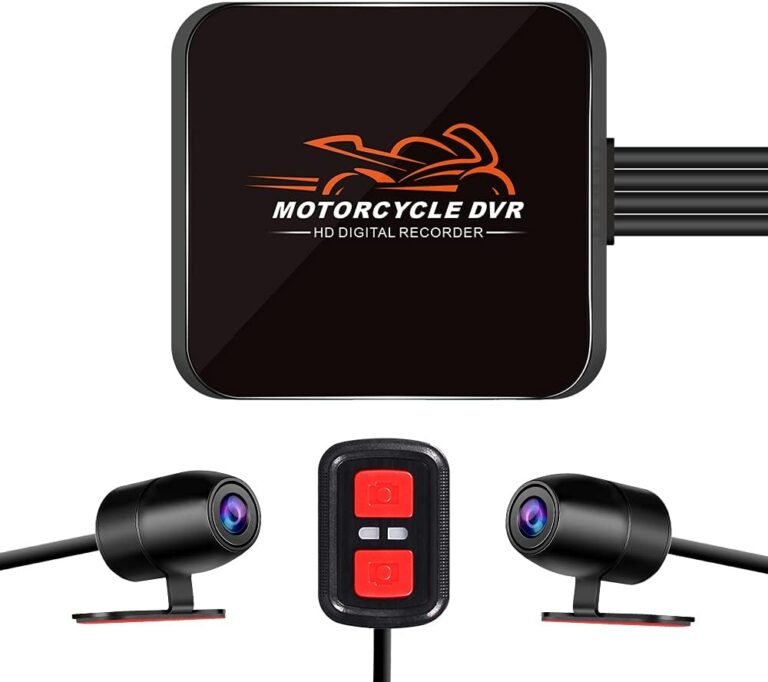
- Security and evidence — Dash cams and trackers are separate but related choices. A wired dual dash cam records front/rear video and can lock incident clips with a G‑sensor (e.g., VSYSTO dual 1080P unit). A hidden GPS tracker gives real‑time location and theft recovery features but requires SIM setup/power (e.g., SinoTrack ST‑907L requires a SIM and usually hardwiring).
Which rider gets which product? Real examples and why they fit
Use cases mapped to representative products from our supplied list — these are examples, not the only options. Read the supplied facts and verify the final fitment and wiring details with the manufacturer.
- Commuter on a tight budget — Phone + a solid fork‑stem mount (see the Phone Mount GPS bracket, ID 2600). It fits many center stem holes and phones 4.7–6.3″. Add a USB‑C power feed if your phone needs charging during commutes.
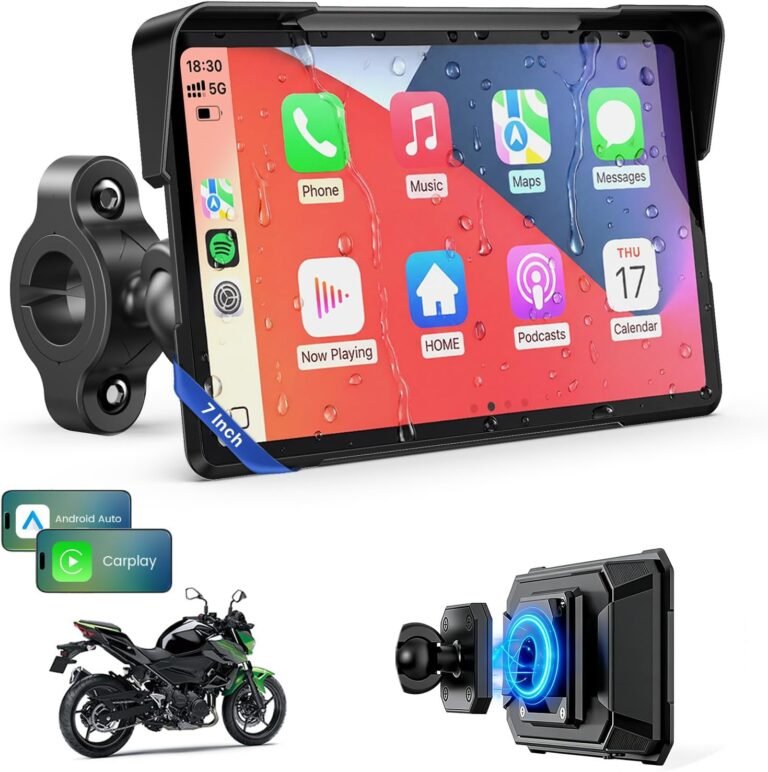
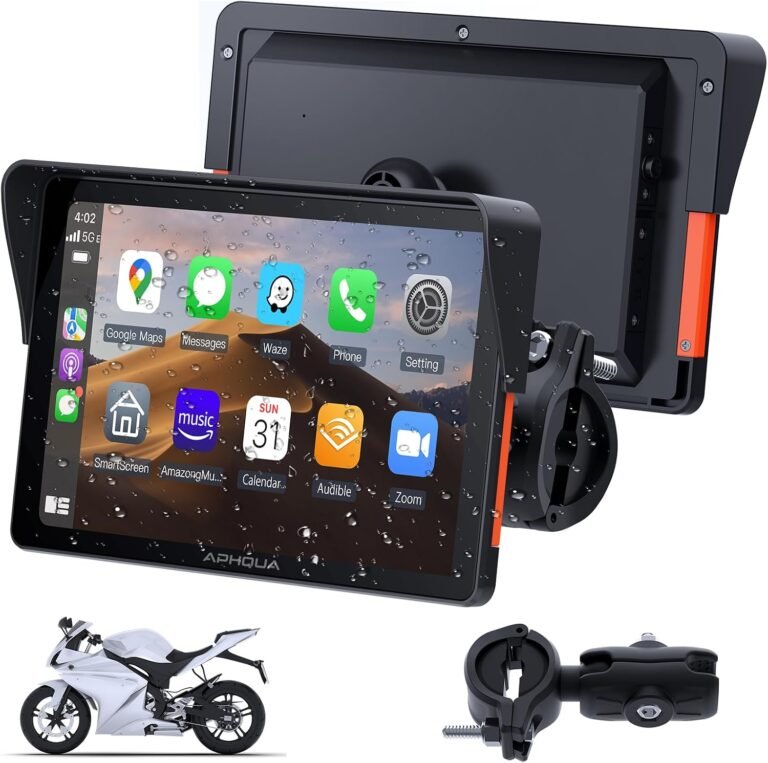
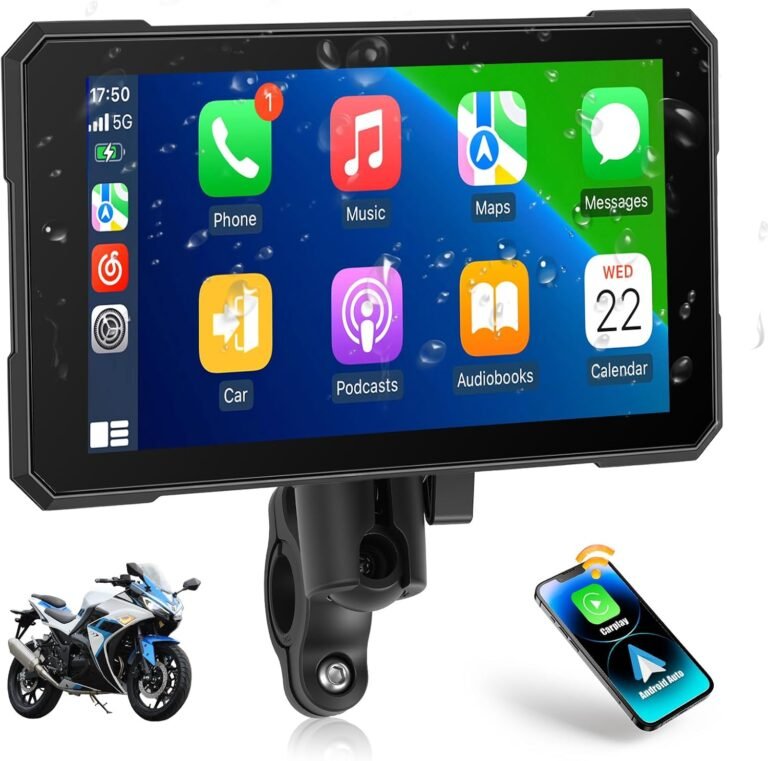
- Daily rider who wants voice control & music — A compact CarPlay/Android Auto screen. The 5″ and 7″ motorcycle CarPlay units (IDs 1165 and 2277) add wireless CarPlay/Android Auto, glove‑friendly touch or magnetic mounts and IP‑rated housings. Choose the size that gives readability without being a distraction, and confirm whether a magnetic quick‑release or anti‑theft mounting is supplied.
- Weekend tourer who wants simplicity — Beeline Moto II (ID 1686) is a dedicated compact sat‑nav with glove‑friendly buttons, IP67 resistance and claimed 14‑hour USB‑C battery — a purpose‑built choice for distraction‑free navigation. Verify mount compatibility and map update policy before buying.
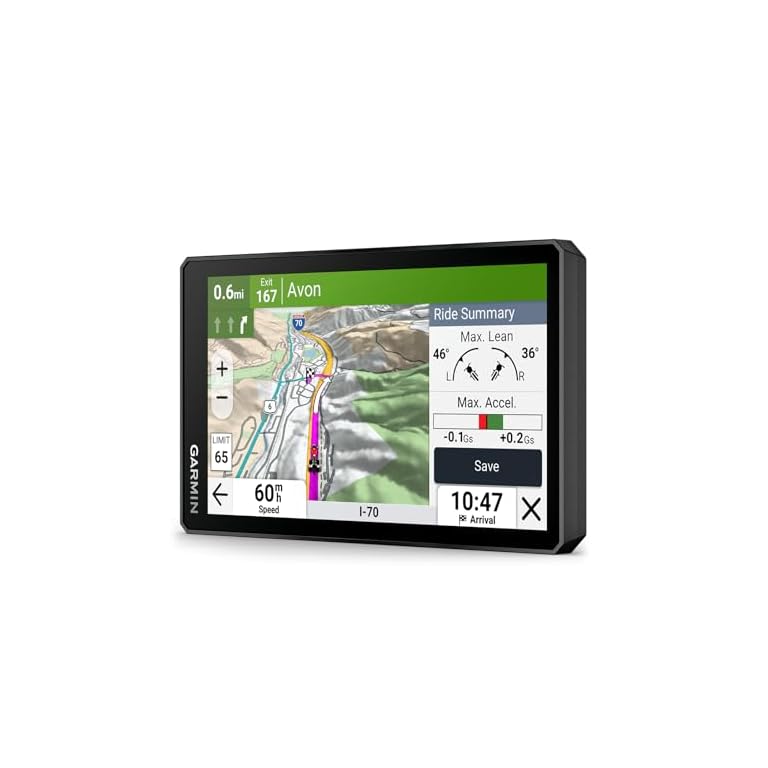
- Long‑distance or adventure rider — Garmin zūmo XT2 (ID 1429) offers a large sunlight‑readable 6″ display, robust weather resistance (IPX7 listed), advanced mapping (topographic and satellite imagery) and accessory integration (inReach, Group Ride Radio). It’s aimed at riders who need reliable routing, alternate map types and accessory ecosystem support.
- Security‑minded owner — VSYSTO dual dash cam (ID 3135) records front and rear 1080p with Wi‑Fi app access and G‑sensor emergency locking for incident evidence. The SinoTrack ST‑907L tracker (ID 1953) provides real‑time tracking and remote engine‑cut relay features but requires a SIM card and reliable wiring to the vehicle power — verify APN and network compatibility.
Each product has limitations noted in its supplied facts. For example, the VSYSTO dash cam lacks clear max microSD support and power wiring details — verify both before purchase. The Garmin bundle includes a mount and 32GB card, which reduces setup friction; Beeline lacks full mount and map update detail in the supplied facts so confirm those items.
Installation, wiring and maintenance basics
Plan installation with safety and long‑term reliability in mind:
- Power wiring: Hardwiring to ACC avoids battery drain when parked; fit a proper inline fuse and confirm vehicle voltage compatibility (many motorcycle CarPlay units list 12–24V input). If you aren’t comfortable wiring, use a professional to avoid damage or fire risk.
- Routing the cables: Keep power and data cables away from moving parts, heat sources and high‑vibration mounts. Use cable ties and grommets where wires pass through fairings.
- Mount torque: Check and torque clamp bolts to manufacturer recommendations. Vibration can loosen mounts over time — re‑check fasteners after the first few rides.
- Software and maps: Update firmware when stationary and in a safe location. Many devices support Wi‑Fi or app updates; some CarPlay units support OTA updates (e.g., Carpuride claims OTA for updates).
- Storage maintenance: For dash cams, use high‑endurance microSD cards and follow the manufacturer’s recommended format interval. If the product facts don’t list maximum supported card size (e.g., VSYSTO), ask the seller before buying.
Data, privacy and theft prevention
Connected devices record and transmit sensitive data. Keep these checks in mind:
- Tracker and dash cam privacy — Hidden GPS trackers like SinoTrack need a SIM and may send location data to cloud platforms. Understand the app’s privacy policy and who can access tracking data.
- Theft deterrence — Choose quick‑release or removable mounts for screens you don’t want visible when parked. Magnetic detachable mounts make theft harder; some CarPlay units include a one‑second quick release and anti‑theft design in their bundle details.
- Account security — Use strong login credentials and two‑factor options where available for apps that store route history or live location.