riderinstinct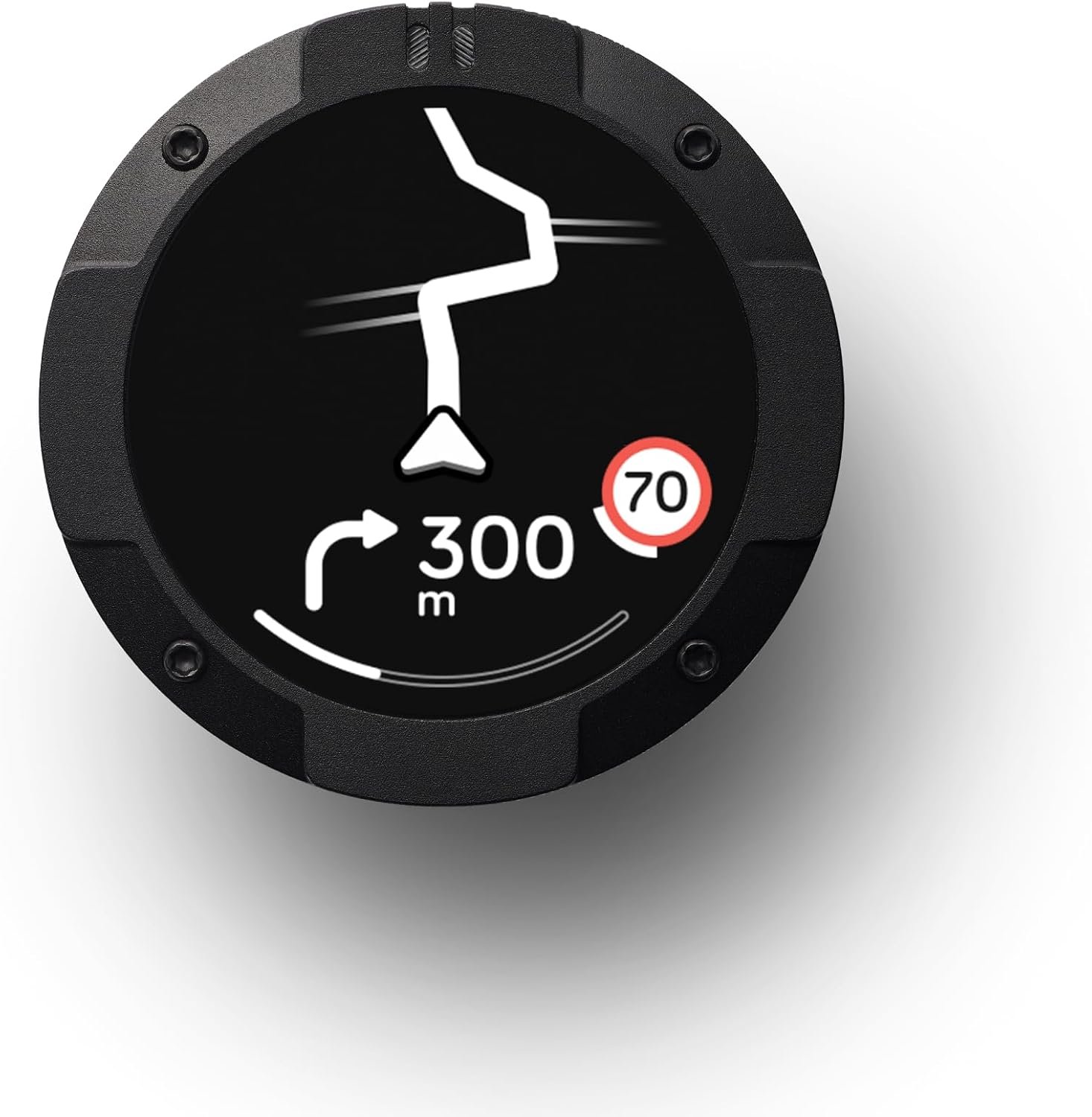
Start with this decision framework: what does your riding actually need?
Begin by matching the navigation hardware to real-world needs rather than features lists. Ask: where do you ride (city, twisties, remote gravel), how long are your rides, and do you need turn‑by‑turn routing, offline maps or group‑ride features?
Three common categories will cover most riders:
- Keep it simple: compact, dedicated sat‑navs or phone‑mounted maps for commuters and day‑trippers. These prioritise low distraction, easy mounting and portability.
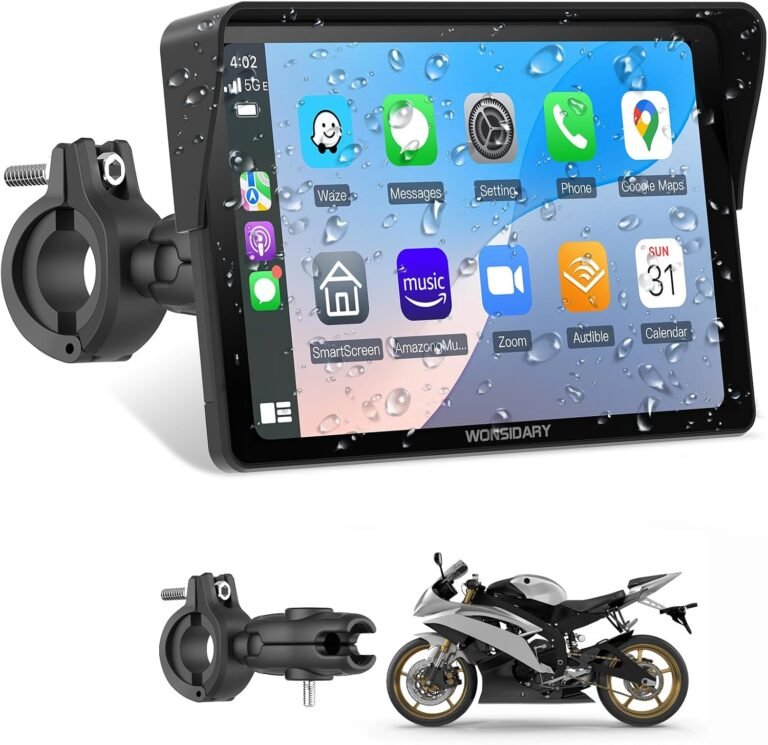
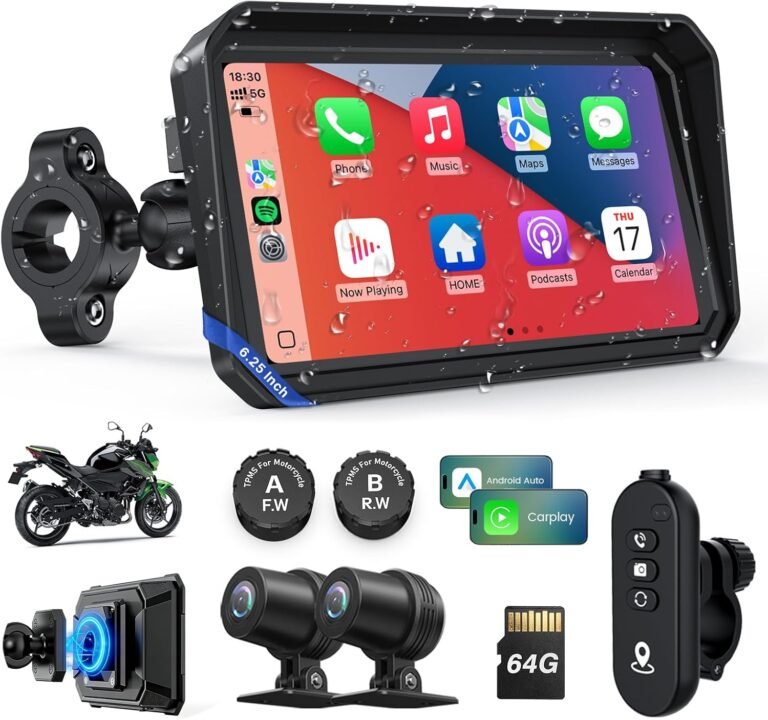
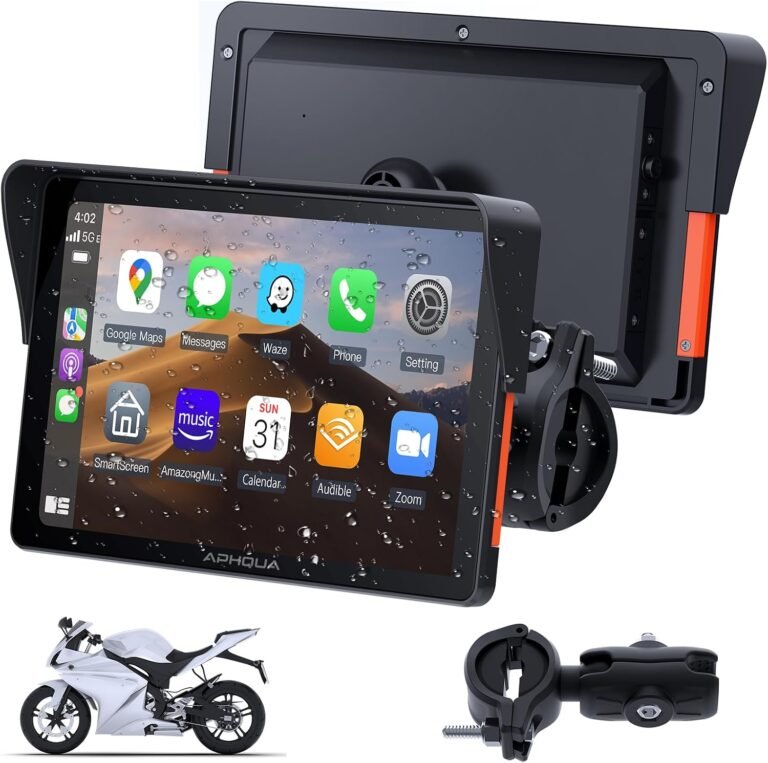
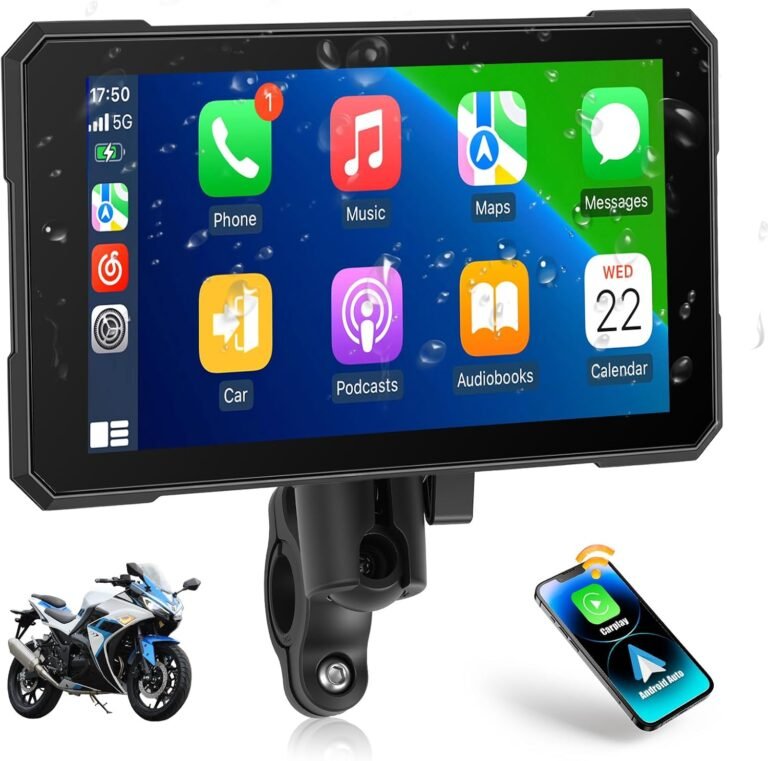
- Phone‑centric, voice‑first: wireless CarPlay/Android Auto screens that mirror your phone’s apps and voice assistant — good for riders who rely on familiar phone apps and want music/calls integrated.
- Full motorcycle navigator: purpose‑built devices with robust routing, offline maps, group ride features and accessory compatibility for touring and adventure riders.
Identify which category fits your typical rides first; everything else flows from that choice (display size, mounting, power and connectivity).
How riding style dictates the priorities
Different rides create different priorities. Below are the most common use cases and what to prioritise for each.
- Commuter / urban rider: compact screen, instant voice directions, reliable helmet audio and a simple, secure mount. A compact CarPlay screen or a small dedicated unit usually suffices.
- Weekend twisties / sport riding: distraction minimalism wins — a small, glanceable display with clear ETA/speed and physical controls you can use with gloves. Avoid oversized map displays that encourage attention off‑road.
- Touring / long‑distance: long battery life or hardwire capability, offline maps/topographic options, accessory compatibility (power, inReach, group tracking). Purpose‑built units or premium motorcycle navigators excel here.
- Adventure / off‑road: rugged mounting, high brightness, IP‑rated weatherproofing and topographic/offline maps. Confirm vibration and temperature range in specs and fitment.
- Theft‑sensitive owners / fleet managers: add a dedicated 4G tracker with geofence and history playback rather than relying solely on nav hardware.
Knowing your primary use-case keeps you from overspending on features you’ll never use or under‑specifying something you’ll rely on every trip.
Key features that actually matter (and why)
When you compare models, focus on a short list of practical features:
- Display visibility: anti‑glare coating and high brightness for daylight readability. Some units list nit values — high brightness helps under sun but confirm anti‑glare and screen layout too.
- Controls: glove‑friendly physical buttons or capacitive touch compatible with your gloves. Physical buttons reduce distraction on the move.
- Power options: battery runtime vs hardwire. Battery units are portable (good for multiple bikes) but limited by runtime; hardwiring needs correct ACC/ground and fuse protection for continuous use.
- Connectivity: Bluetooth for helmet audio, wireless CarPlay/Android Auto for phone mirroring, and optional satellite communicator compatibility for remote emergency messaging.
- Maps & routing: offline map support, topographic maps, adventurous routing and map update policy — all are important for touring/adventure riders. If this isn’t stated, ask the vendor before buying.
- Durability: IP rating (e.g., IP67) and shockproof design matter for exposed bar mounts and off‑road use.
- Mounting compatibility: confirm the mount fits your handlebar diameter and that the vendor supplies mounting hardware or documented alternatives.
Ignore marketing noise; a bright, glove‑usable display and a solid mount will do more for safety than feature overload.
Power, wiring and installation considerations
Installing navigation hardware on a bike often requires either portable battery use or wiring to the motorcycle. Each approach has pros and cons.
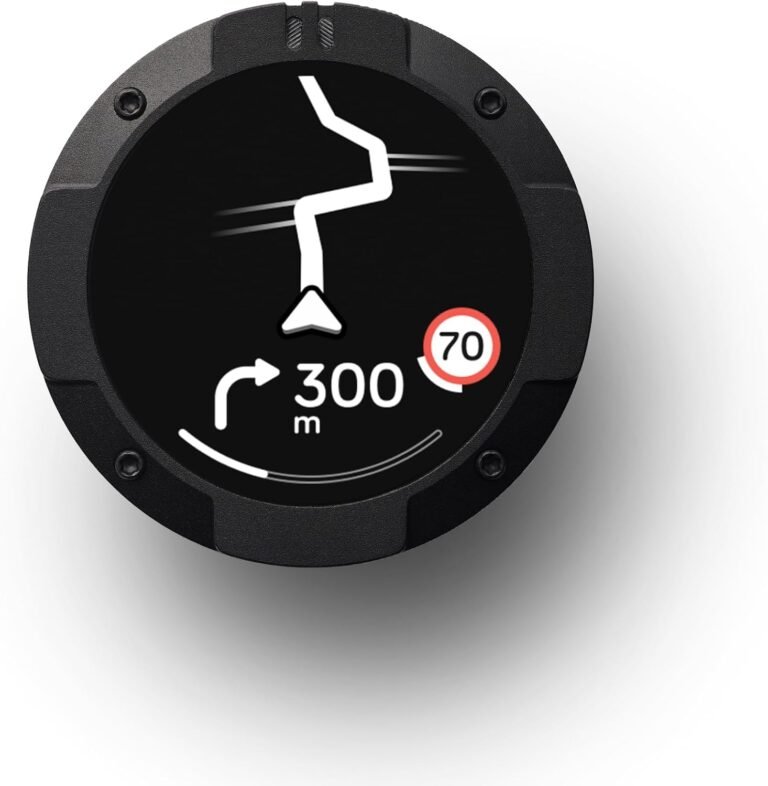
- Battery (portable) units: no wiring required, transferable between bikes, but limited by runtime. Example: the Beeline Moto II is listed with a USB‑C rechargeable battery rated up to 14 hours — useful for day rides and multi‑hour touring without hardwiring.
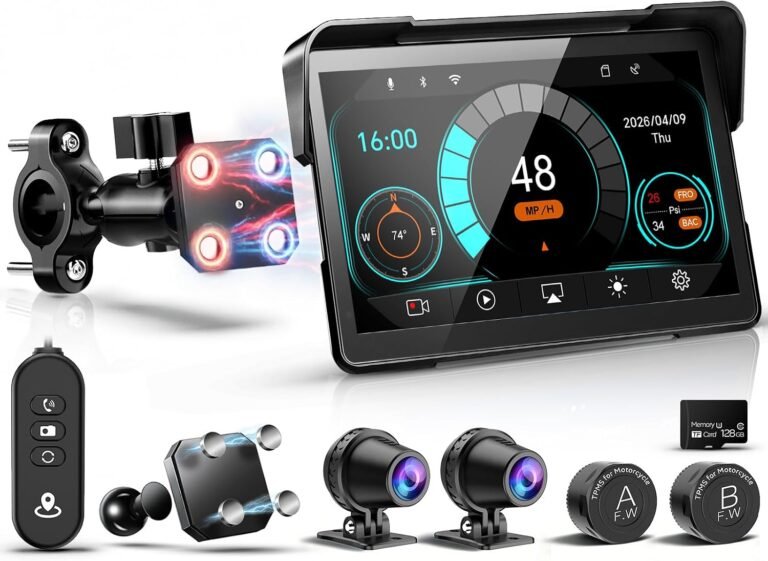
- Hardwired bar‑mounted displays: continuous power for long rides but you must wire to ACC/ground and use an inline fuse. Some CarPlay/Android Auto screens note specific USB current requirements; verify your bike’s output or plan to run a fused ACC feed. The 5″ CarPlay unit supplied facts note it supports 12–24V input and that the simple wiring method is red to ACC and black to negative.
- Installation checks: measure handlebar space, verify mounting hardware fits your diameter, confirm you can route power safely away from heat sources and moving parts, and use vibration‑rated clamps. Always use an appropriately rated inline fuse and, if unsure, have a motorcycle electrician install the unit.
When exact wiring or torque values are not supplied by the product, verify with the device manual and your motorcycle manufacturer documentation before installation.
Trade-offs and uncertainties you should explicitly verify
Product listings commonly omit practical details that affect ownership. Ask these questions before buying:
- Map source and update policy: Does the device use OpenStreetMap, proprietary maps, or phone maps via CarPlay? Are offline maps supported and are map updates free or subscription? If not supplied, verify before purchase.
- Mount compatibility and anti‑theft options: How does the device secure to your bars? Some units include wing nuts for quick removal or hex nuts for anti‑theft — confirm the exact kit for your bike.
- TPMS sensors and maintenance: If a device includes TPMS (like the W722TPMS listing), confirm sensor battery life, replacement part numbers and installation details, because those are commonly omitted.
- Helmet audio integration: Check Bluetooth codec support and whether the unit can stream audio to your helmet headset or only to a paired phone.
- Tracker SIM/APN setup and ongoing costs: For GPS trackers (e.g., SinoTrack ST‑901L) you must supply and activate a compatible SIM and set APN via SMS in many cases. Confirm data costs and platform support ahead of time.
Don’t assume marketing blurbs mean the device will work exactly as you need — verify the missing specifics before purchase.
Product examples and which riders they suit
Below are representative devices from different categories using only supplied product facts. Treat these as examples of the classes above — they illustrate trade‑offs, not the only options.
- Beeline Moto II (compact dedicated sat‑nav)
- Why it fits: compact, low‑distraction mini‑map, glove‑friendly buttons, anti‑glare screen and an IP67 waterproof / shockproof design with a USB‑C battery rated up to 14 hours. Good for riders who want a simple, dedicated unit for commutes, scenic rides and day touring.
- Limitations: the listing doesn’t supply mounting method details, map sources or update policy — confirm those practical items before buying. See the full review: Beeline Moto II Review.
- Garmin zūmo XT2 (full motorcycle navigator)
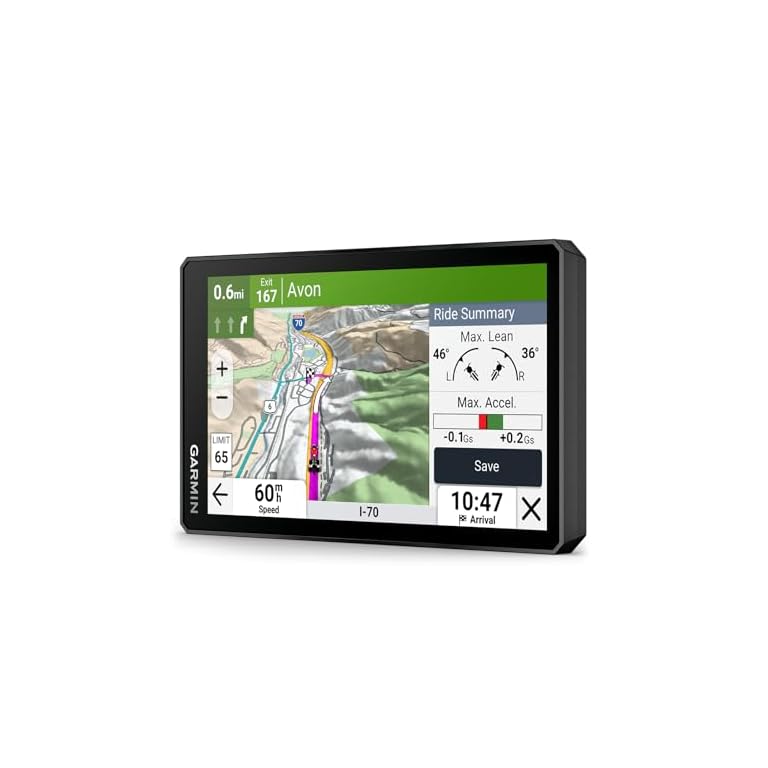
- Why it fits: purpose‑built motorcycle navigator with a 6″ ultrabright sunlight‑readable HD display, robust weather resistance (IPX7 listed), visual route planner, topographic and satellite imagery options, group ride features and inReach compatibility for satellite messaging. Good for serious touring and riders who want advanced routing and accessory support.
- Limitations: Garmin hardware often expects use of Garmin apps and services — verify bundle contents and map update policy in the product documentation before purchase. See the product page for details.
- 5″ Motorcycle CarPlay screen (phone‑centric)
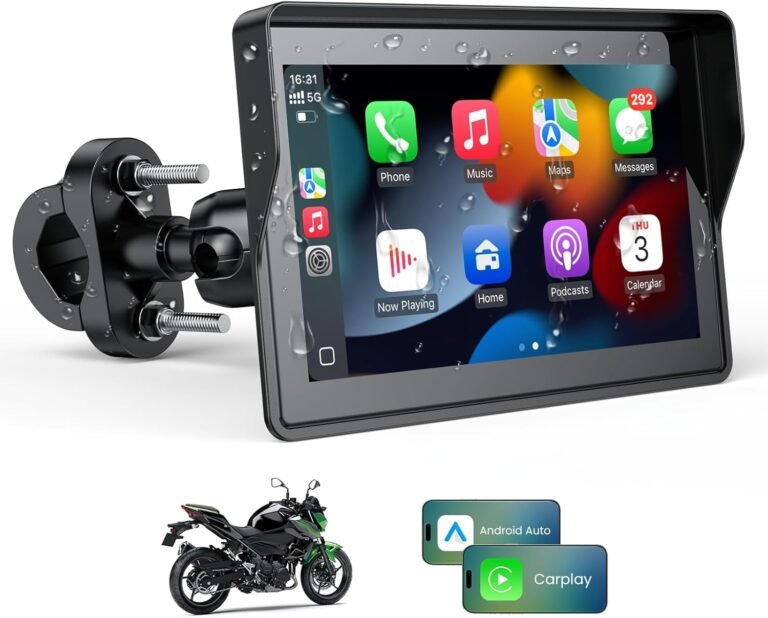
- Why it fits: wireless Apple CarPlay and Android Auto on a compact 5″ IPS touchscreen, glove‑friendly response, split‑screen and dual Bluetooth for audio. Good value for riders who want CarPlay/Android Auto without replacing the dash.
- Limitations: compact screen may be small for some riders; this model doesn’t include TPMS or magnetic quick‑release mounting. Verify USB power availability and CarPlay compatibility for your phone. See the 5 Inch Motorcycle Carplay Review.
- W722 / W722TPMS (feature‑rich CarPlay with TPMS option)
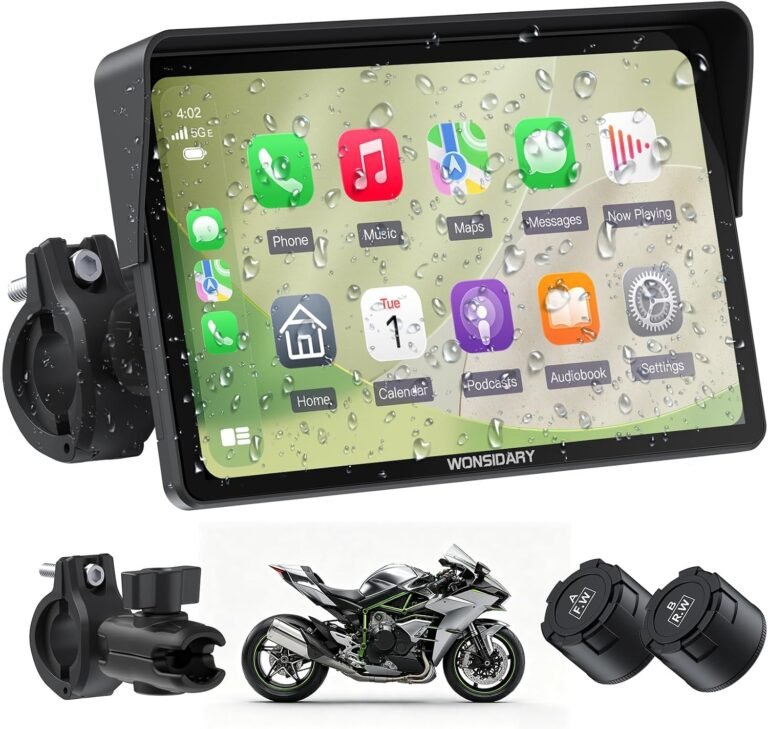
- Why they fit: 7″ IP67 displays with wireless CarPlay/Android Auto, very bright displays and dual Bluetooth. W722TPMS adds a 2‑sensor TPMS providing live pressure and temperature readouts — useful for touring riders who want integrated tire monitoring and bright, glove‑capable touchscreens.
- Limitations: TPMS sensor battery life and replacement details are not supplied; confirm sensor model and warranty. Verify phone compatibility notes (some models list compatibility caveats for certain phones). See the W722TPMS Review and W722 Screen Review.
- SinoTrack ST‑901L (4G tracker for theft recovery)
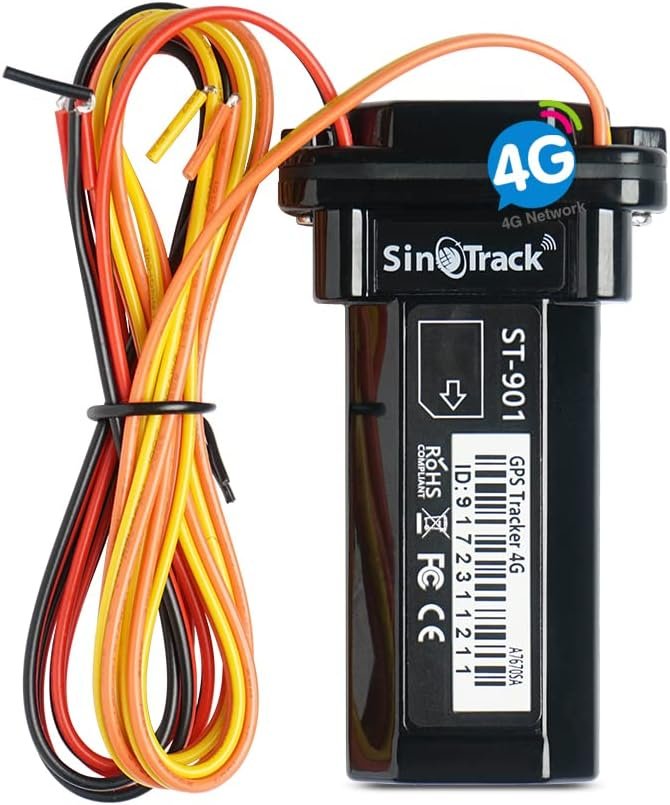
- Why it fits: compact 4G LTE tracker with real‑time tracking, history playback, geofence and an included relay for remote engine cut (requires wiring). Good for owners who can hardwire and configure APN/SMS settings and want covert theft deterrence or fleet tracking.
- Limitations: requires you to buy and activate a SIM and perform SMS/APN setup; small internal backup battery and installation complexity make it unsuitable as a plug‑and‑play tracker for many riders. See the SinoTrack ST‑901L Review.
Use those examples to anchor the category that best fits your needs, then verify the missing practical details (mounting, maps, update policy, TPMS sensor specs) before you buy.
A practical buying checklist and process
Follow this step‑by‑step checklist when evaluating candidates so you don’t miss the small but critical details.
- Define the primary use: commute, weekend ride, touring, off‑road or theft protection.
- Check mount compatibility: measure handlebar space and confirm the manufacturer supplies the correct clamp or bracket for your bars.
- Confirm power method: battery runtime if portable, or ACC/hardwire compatibility and required USB current if hardwired.
- Verify display and control suitability: glove‑usable controls, anti‑glare, brightness and whether the touchscreen supports your gloves.
- Ask about maps: map provider, offline map support, available map types (street/topo/satellite) and map update policy or subscription needs.
- Confirm accessory and phone compatibility: helmet headset Bluetooth, CarPlay/Android Auto versions and satellite communicator support if needed.
- Check warranty, support and replacement parts: TPMS sensors, mounts and replaceable batteries where applicable.
Make purchase decisions based on this checklist rather than marketing terms. If a spec you need isn’t listed, contact the seller or manufacturer and get confirmation in writing where possible.
Installation & on‑bike safety tips
Installation affects both reliability and safety. Keep these practical tips in mind.
- Use a fused ACC feed for hardwired installations. If you don’t know the appropriate fuse rating, consult your bike manual or a professional installer.
- Position nav hardware so it doesn’t obstruct controls or your view of the road; keep cables tidy and away from steering and throttle paths.
- Test helmet audio and voice prompts at low speeds before trusting them in traffic. Confirm Bluetooth reconnect behaviour and audio volume while riding.
- Choose anti‑theft mounting options if you park in public; some screens include hex anti‑theft screws or wing‑nut quick releases for portability.
- After installation, take a short test ride to check vibration, glare and button/touch responsiveness across day/night and wet conditions.
If you’re uncomfortable with wiring or mounting choices, have the unit fitted by a qualified motorcycle electrician or dealership to avoid electrical faults and potential safety hazards.
Maintenance, firmware updates and long‑term ownership
Navigation hardware is a long‑term investment if you care for it. Plan for:
- Firmware and map updates: check how updates are delivered (Wi‑Fi, app, PC) and whether they are free. Regular updates maintain routing accuracy and compatibility with phone OS changes.
- Battery care: for rechargeable units (example: Beeline Moto II’s USB‑C battery), follow the manufacturer’s charging and storage guidance to preserve capacity.
- TPMS and sensor upkeep: replace TPMS sensor batteries as recommended and keep records of replacement parts; confirm the vendor’s replacement sensor model ahead of purchase.
- Tracker SIM and platform maintenance: trackers like the SinoTrack ST‑901L require an active SIM and correct APN settings; plan for ongoing data costs and periodic SIM renewals.
Keep installation hardware (spare screws, zip ties, threadlocker) and the device manual in your toolkit for roadside adjustments and future removals.
Final recommendation: how to pick the right option today
If you ride short commutes and want simplicity: choose a compact, dedicated sat‑nav with physical controls and good waterproofing. The Beeline Moto II matches that brief with glove‑friendly buttons, anti‑glare display, IP67 and an up‑to‑14‑hour USB‑C battery — but verify the mount style and map sources before buying.
If you tour long distances or want advanced routing and accessory compatibility: choose a full motorcycle navigator like the Garmin zūmo XT2 for its 6″ sunlight‑readable display, visual route planner, topographic/satellite map options and accessory support (including inReach compatibility).
If you want phone apps, voice assistants and integrated audio: choose a wired or wireless CarPlay/Android Auto screen (5″ or 7″ options). The 5″ CarPlay unit is a low‑cost way to add wireless CarPlay/Android Auto with glove‑friendly touch; 7″ units such as the W722 or W722TPMS offer larger displays, brighter screens and, in some models, integrated TPMS.
And if theft recovery or fleet tracking is a priority: add a dedicated 4G tracker (SinoTrack ST‑901L) but expect to provide a SIM, configure APN via SMS and perform a wired installation.
Whichever route you take: confirm mount compatibility, map sources/offline support, power requirements and warranty/support before you buy. If you’re not confident wiring the bike, have a professional install it.