riderinstinct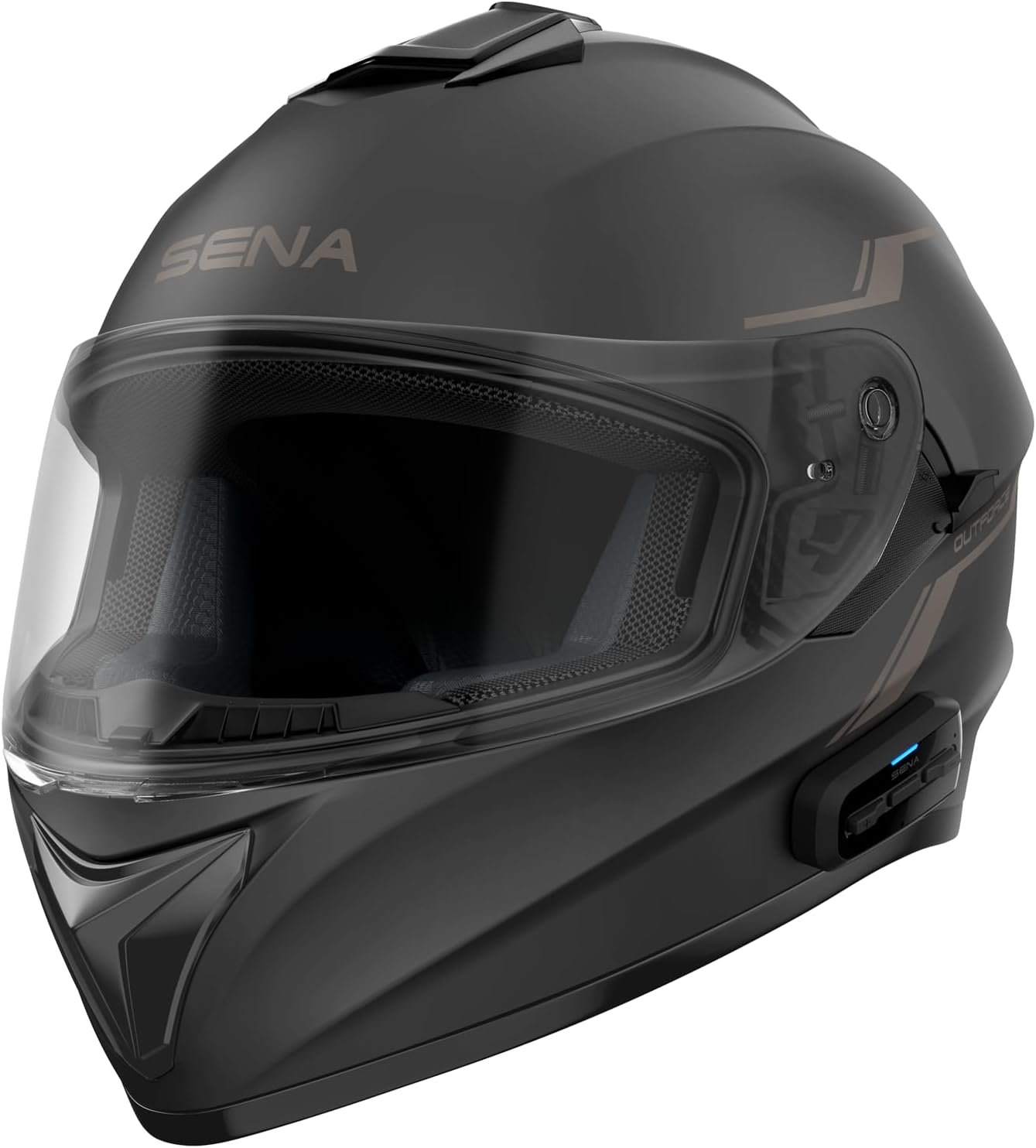
What a 'smart helmet' really is — and why the category matters
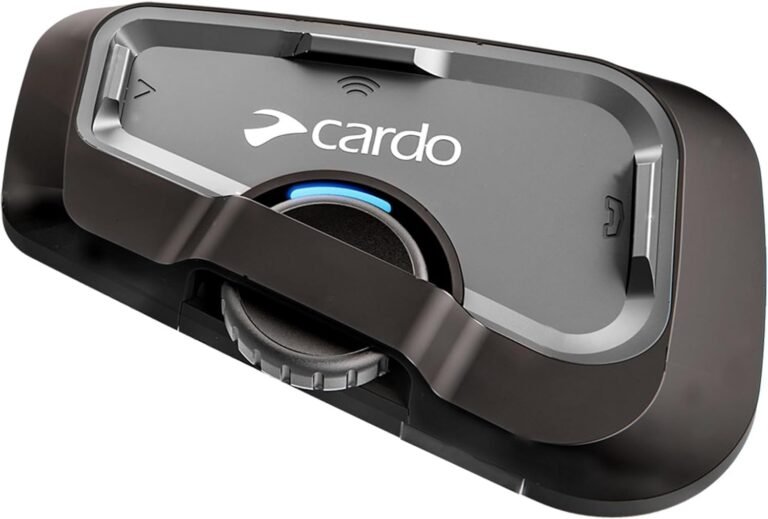
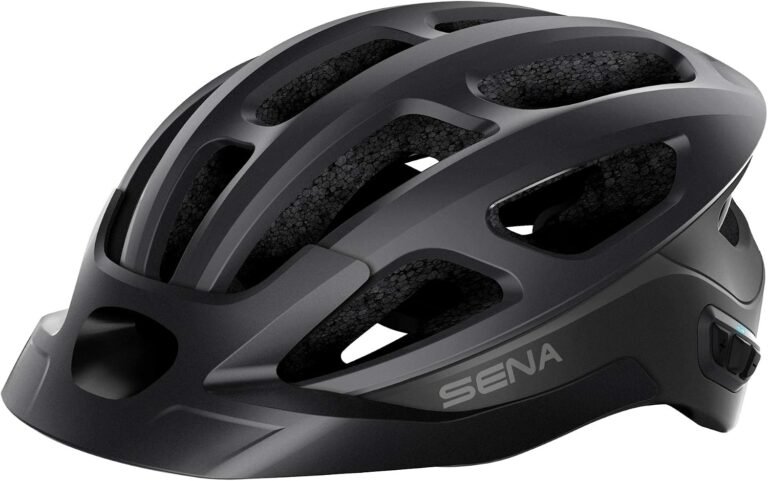
“Smart helmet” is an umbrella term for helmets or helmet add-ons that put electronics into your headspace—things like helmet-to-helmet intercoms, Bluetooth hands‑free phone and navigation audio, built-in cameras, HUDs (head‑up displays) and visibility aids. The technology ranges from an integrated communications system inside a helmet to bolt‑on modules that attach to any helmet.
Why care? Properly chosen, smart tech can reduce distractions (voice navigation and hands-free calls), improve group communication (intercom systems), and increase visibility (helmet rear lights or HUD warnings). But added tech changes weight, fit, serviceability and, importantly, the failure modes you must manage—dead batteries, app updates, and equipment that can obstruct emergency helmet removal or maintenance.
Before considering models or features, you should be clear on two things: your main use case (commute, tour, track, urban riding, group rides) and whether you prefer an integrated solution (tech built into the helmet shell) or add-on modules you can move between helmets. That choice drives most other trade-offs described below.
A practical decision framework — questions to answer before shopping
Use these four questions to structure your choice. Answering them narrows your options and prevents feature‑chasing.
- What is your primary use case? Daily commute, weekend group rides, long touring, adventure/dual-sport or track? Intercom group size, battery life, and ruggedness matter differently in each scenario.
- Integrated helmet or add-on? Integrated smart helmets (built-in comms, speakers, mic) tend to sit better inside the shell and offer a cleaner look. Add-ons are transferable between helmets and often cheaper to replace or upgrade.
- Do you ride solo or in groups? If you frequently ride with others, mesh intercoms (multi‑rider networks) are worth considering; if you ride mostly solo, a simple Bluetooth headset is often sufficient.
- What are your minimum safety and compatibility requirements? At minimum, ensure the helmet or helmet + device combination carries a recognized certification (DOT or ECE) and that the communication system works with the devices your riding partners use.
Answer these and you’ll avoid buying an expensive HUD when a Bluetooth headset would have solved your problem, or an integrated helmet that locks you into a vendor with poor firmware support.
Core features that actually matter (not the marketing buzzwords)
Manufacturers throw around terms like “AI noise cancellation” and “mesh”—some of these are useful, some are marketing. Here are the concrete features you should understand and test if possible.
- Certification and fit — This trumps all tech. A DOT or ECE rating is the baseline for crash protection in many markets; check the label and verify with the manufacturer. Equally important is shell shape (round, intermediate oval) and padding—these affect comfort and helmet stability when speakers or HUDs are installed.
- Microphone and speaker quality — Good audio matters for navigation, calls and intercom clarity. Look for systems that specify DSP or dual‑mic wind reduction and read real‑world reports; test voice quality wearing gloves and at highway speeds if possible.
- Communication type: Bluetooth vs Mesh — Classic Bluetooth pairing works well for one‑to‑one connections (phone, single intercom). Mesh systems auto‑reconnect and support larger groups; they can support adaptive relays for longer range but behave differently for cross‑brand compatibility.
- Battery and charging — Check listed run times and charging method (magnetic pogo vs USB-C). Note claimed hours may differ from real use—verify with the manufacturer or reviews. Consider whether the battery is integrated or replaceable.
- Waterproofing — IP ratings (IP65/IP67/ IP66) indicate resistance to rain and splashes. For regular wet‑weather use, look for IP67 or better on communications modules.
- Controls and glove usability — Large tactile buttons or a spoken voice command system are important; tiny touch controls are harder to use with gloves.
- Upgradeability and firmware support — Active firmware updates fix bugs and add features. Check the manufacturer’s history for updates and whether updates require a desktop or are available via app.
Safety and ergonomics: what to verify in the shop or when buying online
Smart tech is secondary; the primary job of a helmet is to protect your head. Electronics should not compromise that function.
- Confirm certification — If the product is an integrated smart helmet, verify the helmet certification (DOT, ECE, or both) for the exact model and size you’re buying. Some add‑on modules don’t affect certification, but large external devices (heavy HUDs or cameras) could alter energy absorption—ask the manufacturer.
- Fit with speakers and mic installed — If you can, try the helmet with the comms kit installed; speakers can change how a helmet sits and how snug the cheek pads feel.
- Visor clarity and field of view — HUDs and certain rear cameras can add elements to the eye line. Evaluate whether the HUD brightness and transparency are acceptable in daylight and night conditions.
- Weight and neck fatigue — Integrated electronics and batteries add mass. If you ride long days, assess neck comfort and balance, especially with modular helmets when the chin bar is opened.
- Emergency removal — Ensure cheek pads or accessories don’t obstruct standard emergency helmet removal procedures used by first responders.
If exact safety data for an add-on or an accessory isn’t available in the listing, contact the manufacturer and ask what testing (if any) was done with the accessory attached.
Compatibility and connectivity: mesh vs Bluetooth, cross‑brand issues and what to verify
Compatibility is the area where many beginners get stuck. Two systems advertised as intercoms may not work together in the way you expect.
- Bluetooth pairing — Standard Bluetooth profiles (A2DP for music, HFP for calls) are broadly compatible. If you plan to pair to a phone or a standard Bluetooth intercom, check that the device supports the needed profiles.
- Mesh networking — Mesh systems (some FreedConn and Sena products use mesh technologies) allow auto‑joining networks and larger groups. Mesh can provide longer effective range via relays, but mesh protocols aren’t universally compatible—verify whether your friends’ devices support the same mesh standard or whether the system supports mixed networks.
- Cross‑brand intercom — Some devices explicitly advertise third‑party compatibility; others don’t. If you need to talk to riders with different systems, check the manufacturer’s compatibility statements and look for community reports of successful pairing.
- Phone and app integration — If you rely on navigation from your phone, ensure the helmet or module supports simultaneous phone audio and intercom audio, and check how the device prioritizes GPS prompts versus incoming calls.
Practical example from the supplied products: FreedConn devices (FX Plus, Blade, FM10) advertise mesh networking and cross‑brand pairing in parts of their listings, but mesh behavior and real‑world range should be confirmed with the seller. Sena integrated helmets like the OutForce and Impulse come with Sena’s intercom stack, which has well‑documented compatibility with Sena devices; however, cross‑brand functionality requires verification in mixed groups.
Match features to your use case: who should choose what
Different riders need different tools. Below are practical recommendations based on common riding styles.
- Daily commuter — Prioritize ease of use, low weight, reliable Bluetooth phone and navigation audio, and good microphone wind filtering. A compact Bluetooth headset or an integrated helmet with simple controls often works best.
- Weekend group rider / club rides — Mesh intercoms or multi‑rider systems matter here. Devices advertising auto‑join mesh networks (FreedConn FX Plus, Blade, FM10 in the supplied facts) are designed for groups, but verify how many simultaneous speakers are supported and the advertised group size.
- Long tourist / multi‑day touring — Battery life and weatherproofing become critical. Look for models with long run times, fast charging, IP67 protection and firmware support. Consider integrated systems (fewer exposed connectors) or high‑capacity add‑ons.
- Adventure / off‑road — Rugged IP rating, mount security, quick access buttons and removable batteries are beneficial. Avoid fragile HUD fittings that could snag or be damaged in a fall.
- Video / evidence recording — If recording is a priority, choose a camera‑enabled headset or an add‑on camera that produces the resolution and field of view you need. Verify frame rates, mount stability and whether audio sync is reliable.
- Navigation‑first riders — HUD systems like the E6+ can keep eyes up and show navigation, but test brightness, transparency and whether the HUD interferes with your sight lines. HUDs are best evaluated in person where possible.
Examples from the RiderInstinct product list — who each suits and limitations to check
Below are concise, factual summaries of selected products from the supplied RiderInstinct facts and what type of rider they fit. These are examples—use them to map features to your needs, not as the only options.
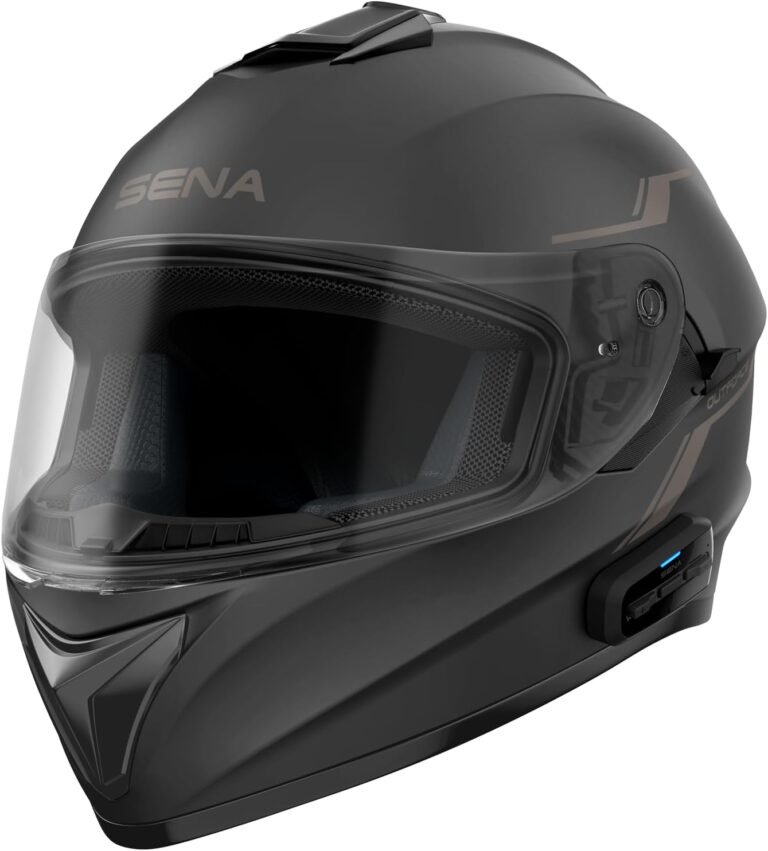
- Sena OutForce Smart Helmet (DOT) — Integrated full‑face
Why it might fit you: An integrated DOT‑rated full‑face helmet with built‑in speakers/mic and a 4‑way Bluetooth intercom makes the OutForce a good choice for riders who want a simple, factory‑fit smart helmet without adding external modules. It offers smartphone pairing for music and GPS and a retractable sun visor for convenience.
Limitations and checks: Verify exact connectivity limits (range/mesh capability if any), battery life and whether replacement parts are available for your size. Because it’s an integrated helmet, you’re tied to the unit’s supplied electronics for upgrades or repairs.
Product link: Sena OutForce
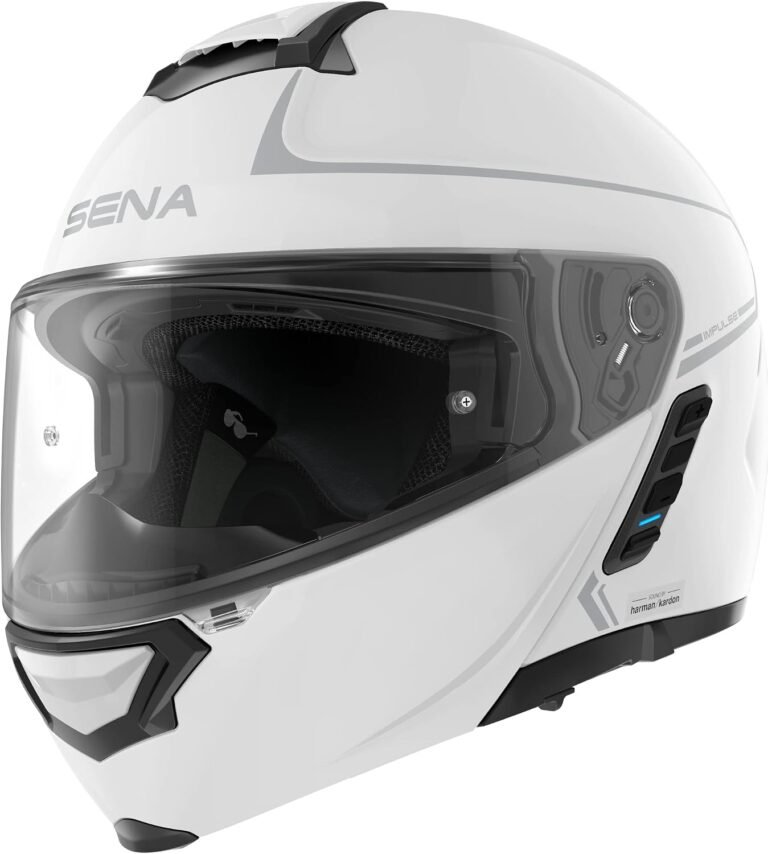
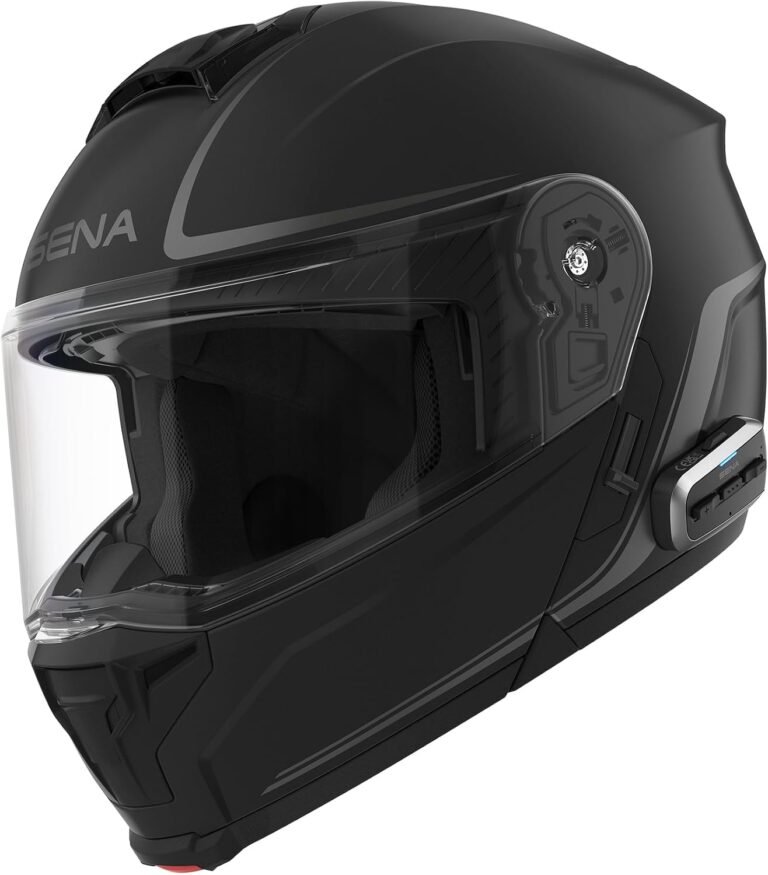
- Sena Impulse Modular Smart Helmet — Premium audio, mesh & Bluetooth
Why it might fit you: The Impulse combines Sena’s Mesh Intercom and Bluetooth with Harman Kardon‑tuned speakers and a DOT composite fiberglass shell. If you want high‑quality in‑helmet audio and the convenience of a flip‑up modular helmet, this targets commuter and touring riders who value sound quality.
Limitations and checks: Being higher‑spec, confirm weight and balance with the modular chin bar down and up, and check firmware support for mesh intercom performance. Confirm the intermediate oval fit matches your head shape.
Product link: Sena Impulse
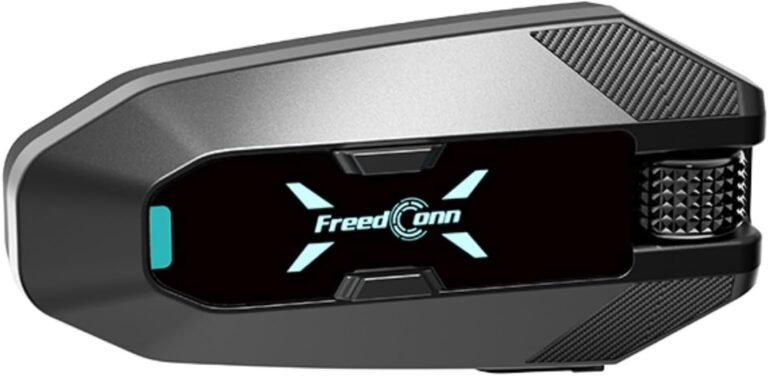
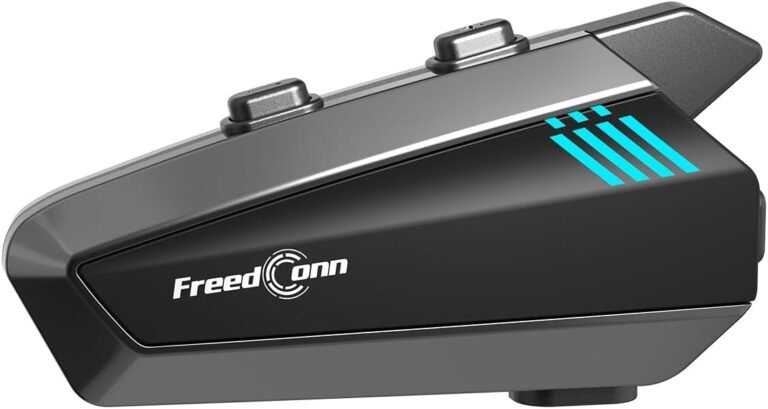
- FreedConn FX Plus — Mesh‑ready communication module
Why it might fit you: The FX Plus advertises auto‑join mesh networking for up to 16 riders, IP67 weather protection, Qualcomm CSR chipset and long listed runtimes (20 h talk / 30 h music). This makes it attractive for group touring and club rides where weather and battery life matter.
Limitations and checks: The listing lacks specific accessory lists and detailed acoustic specs; verify mounting compatibility with your helmet, and confirm warranty/aftersales support.
Product link: FreedConn FX Plus
- FreedConn Blade — Mesh 3.0 group intercom focus
Why it might fit you: Blade is positioned at riders who prioritize group networking, with Mesh 3.0 support, claimed multi‑kilometer group range and IP67 rating. Its saved review highlights that it’s feature‑rich and weather resistant—good for regular group riders.
Limitations and checks: The listing contains inconsistent battery/run‑time numbers—confirm exact run times with the manufacturer and check mounting specifics.
Product link: FreedConn Blade
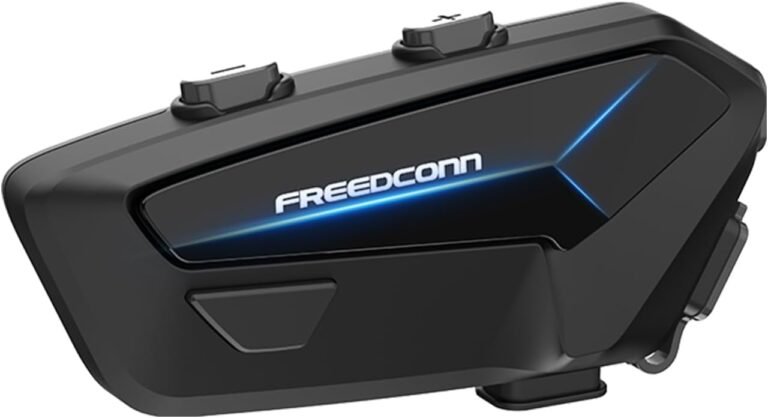
- FreedConn FM10 — Mesh with extended group range claims
Why it might fit you: The FM10 advertises Qualcomm V5.1 hardware, mesh networking for 2–24 riders and a claimed battery of 2000 mAh supporting long mesh intercom times. It’s aimed at riders who want advanced mesh features and strong noise cancellation.
Limitations and checks: Confirm the real‑world range and run times before relying on them for long tours, and verify helmet compatibility (mounting method and speaker fit).
Product link: FreedConn FM10
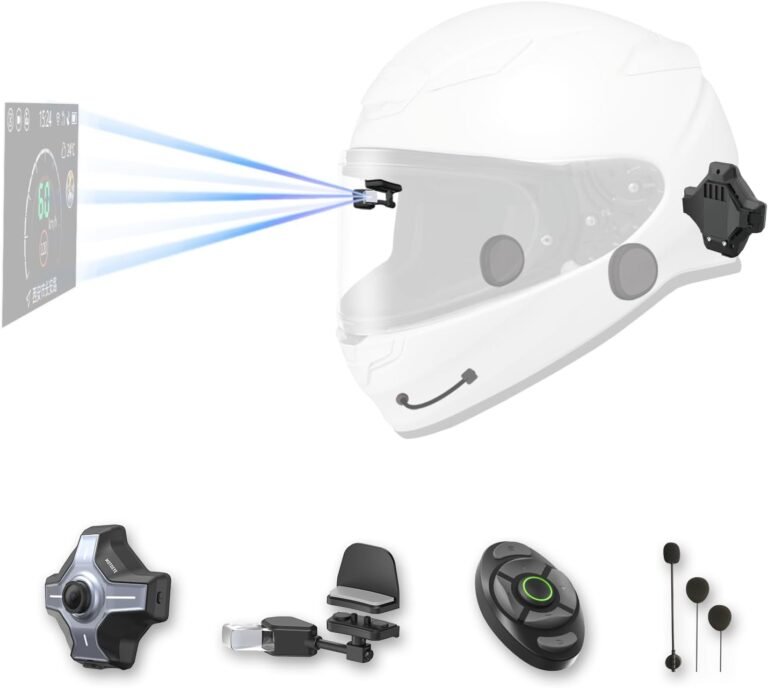
- MOTOEYE E6+ HUD system — add‑on HUD, rear camera and intercom
Why it might fit you: If keeping your eyes on the road with turn‑by‑turn navigation and a rearview camera is a priority, an add‑on HUD like the E6+ offers an all‑in‑one upgrade that can be attached to many helmets and supports CarPlay/Android Auto.
Limitations and checks: HUDs change your visual environment—test brightness and transparency. Also verify remote control ergonomics with gloves and confirm whether the host/mount affects helmet aerodynamics or safety labeling when attached.
Product link: E6+ HUD
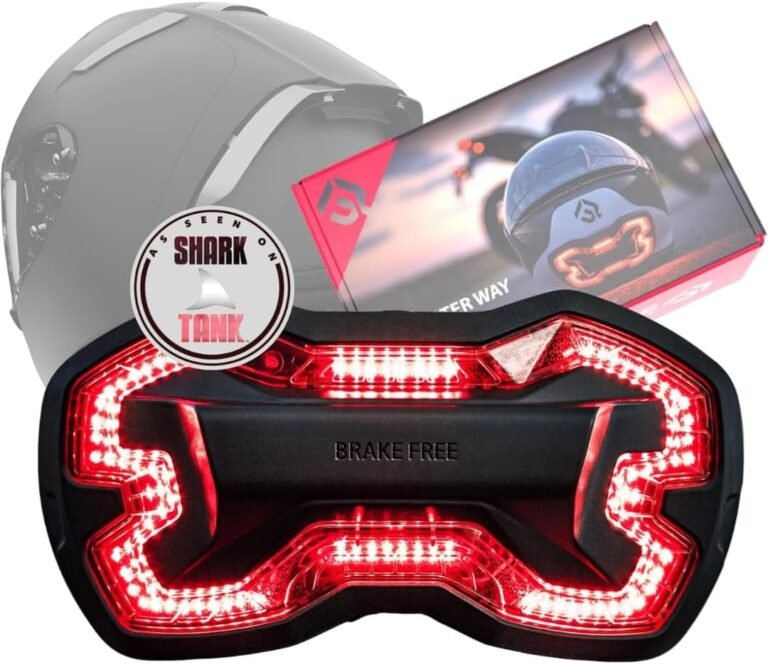
- Helmet Light / Brake Free — visibility light
Why it might fit you: A separate helmet brake light is a low‑risk upgrade to improve rear visibility; these bolt on quickly and require no wiring. They don’t replace certified lighting but are useful for commuting or night rides.
Limitations and checks: Check IP rating (product lists IP65) and battery life. Confirm mounting security on your helmet model and whether the unit interferes with luggage or passenger headroom.
Product link: Helmet Light
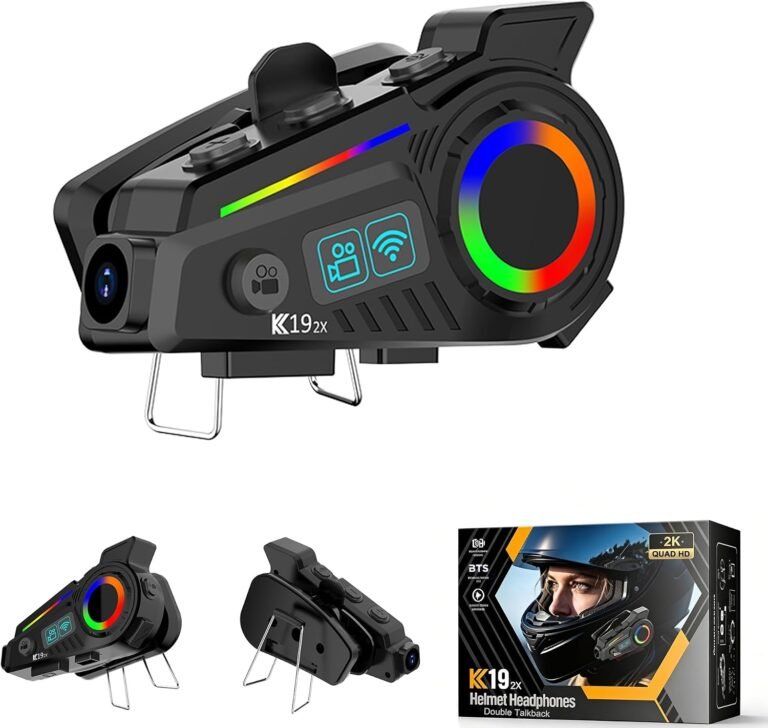
- Camera‑equipped Bluetooth headsets
Why it might fit you: If you want to record rides, some Bluetooth headsets include a 2K camera and Wi‑Fi file transfer. These are attractive for commuters and tourers who also want incident recording.
Limitations and checks: Verify mount vibration, video stabilization and how footage is offloaded. The supplied listing mentions IP65 for one such unit; check claimed resolution, frame rates and battery specs before relying on it for evidence recording.
Product link: Camera headset
These examples show how the same feature set can be packaged differently—integrated helmets for a neat fit, and modules for flexible, often lower‑cost upgrades. In every case, verify run times, mounting methods and compatibility with the manufacturer or retailer before purchase.
Installing and maintaining helmet electronics safely
Electronics need regular attention. Small mistakes in mounting or maintenance create annoyances or safety hazards.
- Mount securely and follow the manual — Use the supplied clamp or adhesive exactly as instructed. A loose camera or HUD can rattle, affect aerodynamics or become a projectile in a crash.
- Protect connectors — Keep magnetic pogo pins and charging ports clean and dry. If your module is IP67 rated, don’t assume waterproofing is guaranteed after an impact or if seals are damaged.
- Update firmware — Check regularly for firmware updates, which can fix bugs and improve compatibility. Update before long rides or group events to avoid unexpected disconnects.
- Check the mic position — Microphone placement affects outbound clarity. Test voice quality at speed and adjust boom or button mics as required; replace foam wind covers when worn.
- Battery care — Charge fully before long rides and verify claimed run times in real use. Carry a backup charger or power bank for multi‑day tours; know whether battery is replaceable or serviceable.
- Serviceability — Ask about spare parts for speakers, mic and padding. For integrated helmets, electronic repairs may require sending the helmet to the manufacturer—confirm turnaround time.
Budget, value and a simple buying checklist
Smart helmets and modules span a wide price range. Instead of chasing features, match the product to your top priorities (safety, communications, battery life, audio) and budget accordingly.
Lower budgets: Expect good basic Bluetooth headsets and camera headsets, but verify waterproofing and real‑world battery numbers. Mid‑range: Better mesh intercoms, longer battery life and stronger weather resistance. High end: Integrated helmets with premium audio, factory fit and first‑party firmware support.
Checklist before you buy:
- Does the helmet or helmet+module have required certification (DOT/ECE) for your region?
- Can you test fit the helmet with speakers/mic installed (or verify fit measurements online)?
- Does the communications system support the intercom style your group uses (Bluetooth vs the same mesh protocol)?
- What is the real‑world battery life, and is the battery replaceable or serviceable?
- Is the device waterproof-rated for your typical weather (IP65/IP67)?
- Are spare parts and firmware updates available from the manufacturer?
- Are the controls glove‑friendly and can you operate the device safely while riding?
Answering these will reduce surprises and help you choose a product that lasts beyond the first ride.